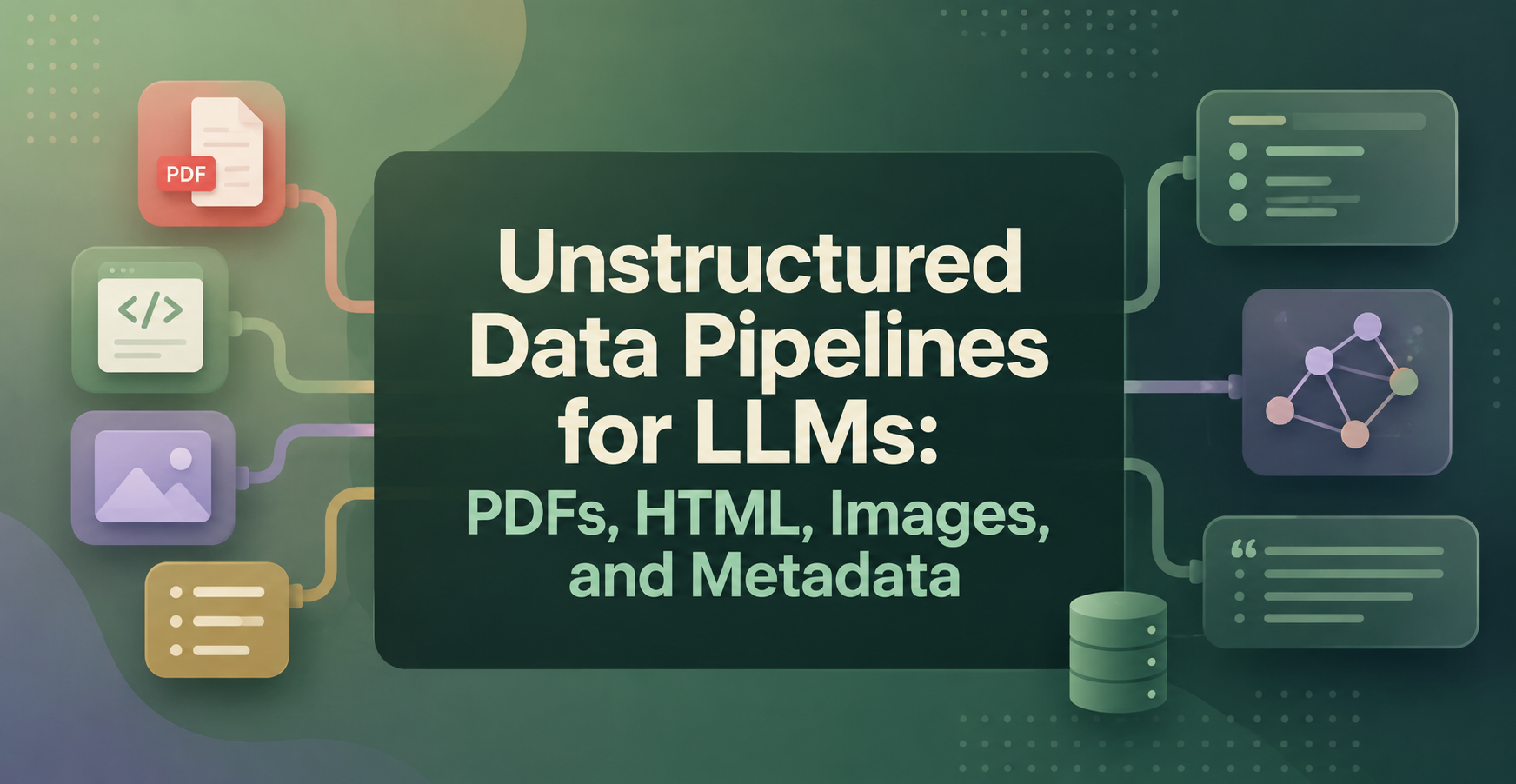
Unstructured Data Pipelines for LLMs: PDFs, HTML, Images, and Metadata
An unstructured data pipeline for LLMs turns messy files into clean, searchable content the model can trust. It pulls text and context from PDFs, web pages, images, and attached metadata, then organizes everything into chunks that work for retrieval and RAG. If you skip that prep, the model often reads content in the wrong order, misses source context, or answers from noise.
For data engineers, the hard part is not collecting files. The hard part is building one repeatable path that extracts, cleans, enriches, and stores mixed document types in a traceable way.
Key Points
- Raw files rarely work well for LLM retrieval without cleanup and normalization.
- PDFs, HTML, images, and metadata each need different extraction logic.
- Better chunking and chunk-level metadata improve search quality and citations.
- Validation, retries, and layered storage keep the pipeline cheaper to run.
Quick summary: A good document ingestion pipeline does more than pull text. It preserves meaning, keeps source context attached, and produces chunks that a retriever can rank with confidence across mixed formats.
Key takeaway: The strongest LLM apps depend less on model size than on input quality. Clean extraction, stable metadata, and sane chunking usually improve answers more than another prompt tweak.
Quick promise: If you build the pipeline with format-aware parsing and early validation, you get better retrieval, fewer broken citations, and much less wasted token spend during indexing and generation.
What an unstructured data pipeline for LLMs actually does
The job is simple to describe and hard to do well. A raw document arrives, the pipeline figures out what it is, extracts useful content, removes junk, adds metadata, and stores the result for later search. That turns a loose file dump into something an LLM system can rank, filter, and cite.
Why LLMs need more than raw files
Raw files hide a lot of trouble. A PDF may scramble columns, repeat headers on every page, or flatten tables into nonsense. An HTML page may mix the main article with menus, cookie banners, and footer links.
That noise hurts retrieval first, then answer quality. When the retriever pulls junk chunks, the model quotes the wrong section, misses the real page, or wastes context on boilerplate.
Bad extraction creates bad evidence, and bad evidence creates bad answers.
The main stages from ingestion to retrieval
Most pipelines follow the same high-level flow:
- Collect files or URLs from a queue, bucket, crawl, or API.
- Detect the source type and choose the right parser.
- Extract text, layout, links, tables, or OCR output.
- Clean repeated junk, broken whitespace, and duplicate content.
- Normalize fields such as dates, language, titles, and authors.
- Split content into chunks that match headings or paragraphs.
- Index chunks for vector search, keyword search, or hybrid search.
- Store raw, processed, and indexed outputs for replay and debugging.
How to handle PDFs, HTML, images, and metadata in one pipeline
A multimodal data pipeline works best when each format gets its own extraction path, but every path produces one shared output shape. That output usually includes clean text, structured fields, chunk IDs, and source metadata.
This quick comparison shows why one parser is never enough.
| Source | Common problem | Best extraction approach | Metadata to keep |
| Broken reading order, tables, scans | Layout-aware parser plus OCR when needed | Page number, section, OCR confidence | |
| HTML | Menus, ads, repeated navigation | Boilerplate removal plus DOM-aware parsing | URL, title, publish date, headings |
| Image | No text layer, visual-only context | OCR, captions, or vision model analysis | File type, source, confidence, page |
| Metadata | Inconsistent fields across sources | Normalize to one schema | Author, language, created date, IDs |
The shared schema matters because retrieval works better when every chunk looks consistent, no matter where it came from.
PDFs need layout-aware extraction, not just text scraping
PDFs look structured to people but often store text in awkward fragments. Multi-column pages can read left-right-left-right in the wrong order. Footnotes and headers often get mixed into the body. Tables may lose rows and columns.
Use layout-aware tools when possible, such as PyMuPDF, pdfplumber, or Amazon Textract for scanned and complex pages. If the PDF is image-based, add OCR and keep the confidence score with the output.
HTML pages need cleanup before they are useful
HTML is rich, but most of it is not the content you want. Navigation, sidebars, related posts, legal notices, and ad blocks crowd the main text.
Tools like trafilatura, Readability-style extractors, or DOM rules with Beautiful Soup help isolate the article body. Keep titles, headings, lists, tables, and useful links. Strip repeated site furniture before chunking.
Images need OCR, captions, or vision model support
Some images only need OCR. A scanned contract, screenshot of plain text, or photographed receipt fits that path. Other images need more context. Charts, diagrams, and annotated screenshots may need a vision-capable model or human-written captions.
Treat images as documents with limits. OCR can read labels, but it may miss chart relationships or layout meaning. For those cases, store the image, OCR text, and a short description together.
Metadata is what keeps the pipeline organized
Metadata turns loose chunks into traceable records. Good fields include source URL, file type, author, language, created date, page number, section title, document ID, and confidence score.
That extra context helps at every stage. You can filter retrieval by date, debug a bad answer, group chunks from the same file, and show citations that point to the right page.
Chunking and enrichment make the data useful for LLMs
After extraction, the next step is making content retrieval-ready. This is where chunking metadata matters. The goal is not tiny pieces or giant blocks. The goal is chunks that keep meaning intact and still fit retrieval and context windows.
Choose chunk sizes that respect structure
Fixed-size chunking is easy, but it often cuts ideas in half. Headings, paragraphs, tables, and section boundaries usually give cleaner splits. A policy page, for example, should split by section title before token count.
Short overlap helps when ideas span two chunks. Too much overlap creates duplicates and wasted storage. In practice, structure-first chunking beats raw size rules on most document sets.
Attach metadata to every chunk
Every chunk should carry the source fields that matter later. Keep document ID, source path, page number, heading, language, created date, and confidence where it fits.
That makes filtering easy. It also makes citations and debugging much easier when the LLM answer points to a weak chunk or a stale document.
Add lightweight enrichment without overcomplicating the pipeline
A few enrichment steps go a long way. Language detection helps route content to the right embedding model. Document type labels separate invoices from manuals and blog posts. Named entities can improve filters for people, products, or systems.
Keep this layer light at first. If a field does not help retrieval, ranking, or debugging, it probably does not belong in the first version.
Build the pipeline so it stays reliable, fast, and cheap
A good pipeline is not only accurate. It also has to survive bad files, sudden spikes, and reprocessing jobs without burning time or budget. On AWS, a common shape is S3 for storage, EventBridge or SQS for triggers, Step Functions for orchestration, and Lambda or Glue for processing.
Use validation and quality checks at each step
Fail early when a file is corrupt, empty, duplicated, or unreadable. Check file type, text length, OCR confidence, and required metadata fields before indexing.
This saves money because bad inputs do not flow into embeddings, storage, and generation. It also keeps noisy content from poisoning search results.
Design for scale with clear storage layers
Separate the system into a raw landing zone, a processed text layer, and an indexed layer. S3 works well for the first two. OpenSearch, PostgreSQL with pgvector, or a vector database can hold indexed chunks.
Use Lambda for short HTML parsing or metadata cleanup. Use Glue, ECS, or Batch for long-running OCR, large PDF jobs, or archive reprocessing. Event-driven flows work well for steady arrivals, while batch jobs fit backfills and full re-indexes.
Watch for the hidden costs of bad extraction
Poor extraction costs more than parser time. It wastes tokens, lowers retrieval precision, breaks citations, and forces repeat runs when users stop trusting the answers.
One broken parser can flood your index with junk chunks and make a strong model look weak.
Glossary
Boilerplate: Repeated page content such as menus, footers, and legal banners that should usually be removed.
Chunk: A bounded piece of document text stored for retrieval and passed to the LLM as context.
OCR: Optical character recognition, the process of turning text inside images or scans into machine-readable text.
RAG: Retrieval-augmented generation, a pattern where the model answers with retrieved source content.
Reading order: The sequence in which extracted text should be read, which matters a lot for PDFs.
Confidence score: A parser or OCR signal that shows how trustworthy an extracted field may be.
Conclusion
Strong LLM apps start with clean inputs, not clever prompts. PDFs, HTML, images, and metadata each need their own handling, but they should all land in one consistent, traceable structure.
Start with one document type, add metadata early, and test retrieval quality before you scale. If you want guided practice, Data Engineer Academy’s GenAI and LLM training is a practical next step for building these pipelines end to end.
FAQ
What is an unstructured data pipeline for LLMs?
It is the system that turns messy documents into LLM-ready content. The pipeline ingests files, extracts text and context, cleans noise, adds metadata, chunks the result, and stores it for search or RAG.
Why are PDFs usually harder than HTML for RAG?
PDFs often hide layout problems. Text can come out in the wrong order, tables may break apart, and scanned pages need OCR. HTML usually has clearer structure, but it still needs cleanup to remove navigation and repeated page chrome.
Should you use Lambda or Glue for document processing on AWS?
Use Lambda for short, lightweight steps such as HTML cleanup, metadata normalization, and file routing. Use Glue, ECS, or Batch for heavy OCR, large PDFs, and long jobs that may exceed Lambda limits.
Do images always need a vision model?
No. Plain scanned text often works fine with OCR alone. Vision models help when the image carries meaning beyond text, such as charts, diagrams, screenshots, or annotated documents.
How much metadata should each chunk keep?
Keep enough metadata to filter, cite, and debug the chunk later. Good defaults are document ID, source path or URL, page number, heading, file type, language, created date, and extraction confidence where available.