

SQL CASE Statement Examples for Conditional Logic in Queries
If you’ve ever wanted your SQL query to return a custom label like “Low,” “Medium,” or “High,” a SQL CASE statement is the tool that gets you there. It adds conditional logic to your output, not by filtering rows like WHERE, but by creating a brand-new column based on rules you define.
That’s what makes it so useful in real analysis work. You can turn numeric IDs into readable names, group products into price bands, and make raw tables easier to understand at a glance. If you’re building SQL skills for analytics, engineering, or interview prep, this is one of those patterns that keeps showing up.
TL;DR
- A SQL CASE statement creates a new output column by assigning values based on logical conditions in your query.
- Unlike WHERE or HAVING, CASE does not filter rows, it labels or transforms them in the result set.
- You can use CASE to map IDs to names, group prices into tiers, and make reports much easier to read.
- The basic pattern is CASE, one or more WHEN…THEN checks, an optional ELSE, and END AS alias.
- One of the most common mistakes is using the wrong source column, such as price instead of unit_price.
Why SQL CASE statements matter in real queries
A CASE statement helps you shape query output in a way people can understand fast. Raw data is often full of IDs, codes, and numeric values that make sense to systems, but not always to humans. CASE lets you translate that data into labels that are easier to scan and explain.
That matters in reporting and analysis. A product table may store category_id = 1, but a stakeholder, teammate, or hiring manager reading your result would rather see “Electronics.” The same idea applies to pricing. A value like 650 is clear enough, but “Moderate” gives instant context.
There’s another important point here. CASE is different from WHERE and HAVING. Those clauses control which rows stay in the result. CASE keeps the row and changes what the row shows in a new column.
WHERE filters rows. CASE labels rows.
Once that clicks, a lot of SQL patterns start to make more sense.
How the SQL CASE statement works
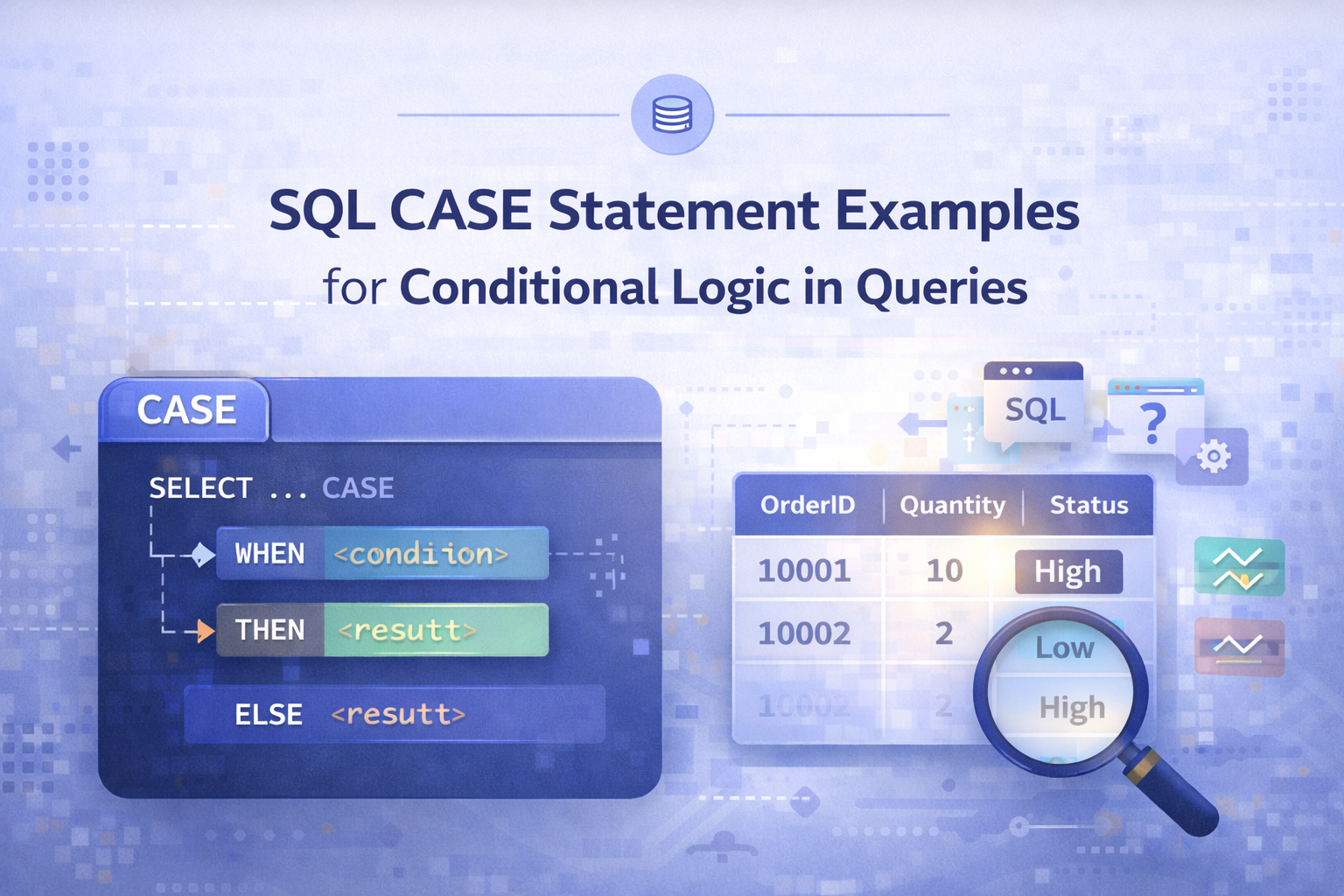
The CASE statement follows a simple structure. You start with CASE, add one or more logical checks with WHEN, return a value with THEN, optionally catch everything else with ELSE, and close it with END. In most queries, you’ll also give the new column an alias.
Here’s the basic shape:
CASE
WHEN condition THEN result
WHEN condition THEN result
ELSE result
END AS new_column
Mapping category IDs to readable names
A common use of CASE is turning IDs into labels. Imagine a products table that stores a product name and a category_id. Since category details are often kept in another table, the product record may only show a number.
If you already know what those IDs mean, CASE can convert them into something readable right in the query result.
SELECT
product_name,
category_id,
CASE
WHEN category_id = 1 THEN ‘Electronics’
WHEN category_id = 2 THEN ‘Clothing’
END AS category
FROM products;
This creates a new column called category. When category_id equals 1, the query returns ‘Electronics’. When it equals 2, it returns ‘Clothing’.
That may look small, but it’s a big quality-of-life upgrade. Instead of reading IDs and translating them in your head, the query does the work for you.
This approach works best when the mapping is known and stable. If the category definitions live in a proper lookup table and you need full category coverage, a join is often the cleaner long-term option. Still, for quick analysis, examples, or small transformations, CASE is fast and clear.
So, what’s the payoff here? Your output becomes easier to read, easier to present, and easier to build on in later analysis.
Creating price categories from unit prices
CASE also works well when you want to group continuous values into ranges. Pricing is a simple example. Instead of showing only raw numbers, you can classify products into groups like expensive, moderate, and affordable.
That logic might look like this:
SELECT
product_name,
unit_price,
CASE
WHEN unit_price >= 1000 THEN ‘Expensive’
WHEN unit_price >= 500 AND unit_price < 1000 THEN ‘Moderate’
ELSE ‘Affordable’
END AS price_category
FROM products;
Now each row keeps its original unit_price, but it also gains a label in price_category. That label depends on the conditions in the WHEN lines.
The logic flows in order:
- Products priced at 1000 or more become Expensive
- Products priced from 500 up to 999.99 become Moderate
- Anything below 500 falls into Affordable
The ELSE part matters a lot here. Without it, some values may come back as NULL if no condition matches. With ELSE, every remaining case gets covered.
That’s why CASE feels so practical. It doesn’t just test logic, it turns logic into a usable business label.
Hands-on SQL case study: building a price_category column
This example pulls the whole idea together. The task is to return product_name, unit_price, and a new column called price_category from the products table. The new column should split products into Low, Medium, and High price bands.
The problem statement
There are a few clues that tell you CASE is the right tool. First, the table only contains the existing product fields. Second, price_category does not already exist. Third, the problem defines rules for what each output label should mean.
Those rules are simple:
- Low for products priced below 200
- Medium for products priced from 200 through 500
- High for products priced above 500
When a prompt gives you an output column that isn’t already in the table, plus conditions for how to fill it, CASE is usually the answer.
Step-by-step query solution
Start with the columns you need from the table. Then add the CASE logic right inside the SELECT.
SELECT
product_name,
unit_price,
CASE
WHEN unit_price < 200 THEN ‘Low’
WHEN unit_price >= 200 AND unit_price <= 500 THEN ‘Medium’
ELSE ‘High’
END AS price_category
FROM products;
Here’s what each part does:
- product_name returns the product’s name.
- unit_price returns the original price column from the table.
- The CASE statement checks the value of unit_price.
- If unit_price < 200, it returns ‘Low’.
- If unit_price >= 200 AND unit_price <= 500, it returns ‘Medium’.
- Every other value becomes ‘High’.
- AS price_category names the new output column.
The logic is clear, and every row gets a label. That’s the goal.
Common mistakes and quick fixes
The big mistake in this example is using the wrong column name. It’s easy to type price when the table actually stores unit_price.
Rookie mistake: always verify the source column name before you debug the CASE logic.
If your query fails, don’t assume the condition is wrong first. Check the schema, the selected columns, and the exact field names. In this case, replacing price with unit_price fixes the issue.
Why CASE statements make analysis easier
CASE statements do more than clean up output. They help you think in categories, which is a big part of analysis. Raw values are useful, but grouped values are often easier to compare, summarize, and explain.
That’s why CASE shows up in so many real tasks:
- Readable reporting: turn IDs and codes into names
- Business grouping: bucket prices, scores, or dates into bands
- Faster interpretation: make result sets easier to scan
- Cleaner presentation: return labels that others can understand right away
It also builds a habit that matters beyond SQL syntax. You start thinking about how data moves from raw storage to useful meaning. That mindset helps in analytics work, dashboard design, and data engineering projects.
If you’re practicing those skills in a more structured way, the Data Engineer Academy coursework is a solid place to keep building.
FAQ
1. What is a SQL CASE statement?
A SQL CASE statement adds conditional logic to a query result. It checks one or more conditions and returns a value based on which condition matches. In most cases, it’s used inside a SELECT statement to create a new column that labels or transforms existing data.
2. How do you become a data engineer with strong SQL skills?
Start with core SQL skills like filtering, joins, grouping, and CASE logic, then apply them to real datasets. After that, practice solving business-style problems, not just syntax drills. Strong data engineers know how to write clean queries and explain the meaning behind the output they produce.
3. How long does it take to learn SQL CASE statements?
Most learners can understand the basics of CASE statements in a short session because the syntax is simple. The real skill comes from practice. Once you start using CASE in reports, case studies, and interview-style problems, the pattern becomes much easier to spot and use well.
4. Which should you learn first, WHERE clauses or CASE statements?
Learn WHERE first because it teaches you how SQL handles logical conditions and row filtering. After that, CASE makes more sense because it uses similar logic in a different way. WHERE decides which rows stay, while CASE decides what values appear in a new output column.
5. Is Data Engineer Academy suitable for aspiring data engineers?
Yes, it’s a strong fit for aspiring data engineers who want guided practice with SQL, data workflows, and job-focused problem solving. If you’re moving past the basics and want more structure, the Data Engineer Academy coursework can help turn scattered study into a clear path.
Conclusion
A SQL CASE statement is simple on the surface, but it’s one of the most useful tools in everyday query work. It helps you turn raw values into labels, create cleaner result sets, and express business logic directly in your output.Once you understand the difference between filtering rows and labeling rows, CASE becomes much easier to use with confidence. That’s the real win. You’re not just learning syntax, you’re learning how to make data more usable.
