
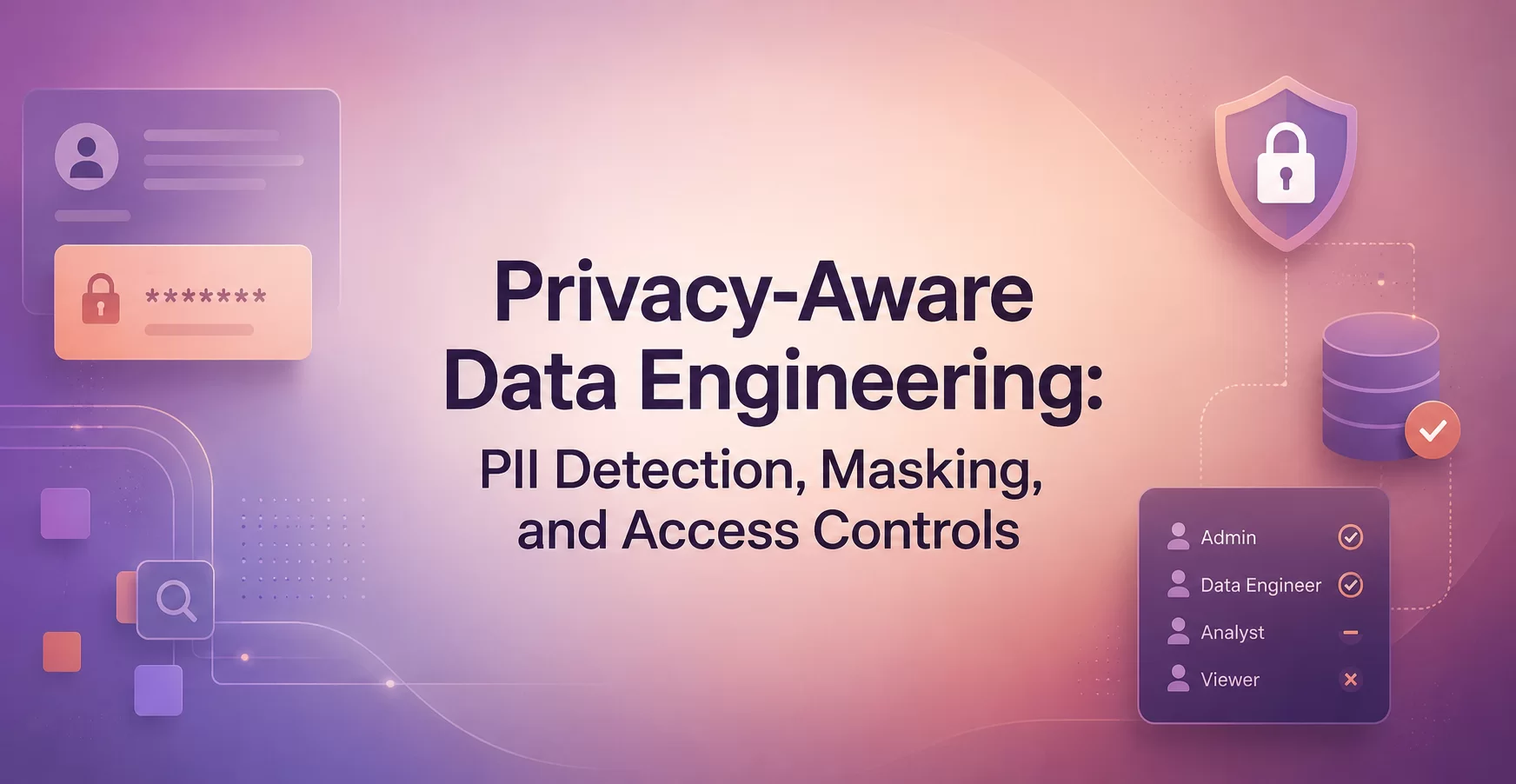
Privacy-Aware Data Engineering: PII Detection, Masking, and Access Controls
Privacy-aware data engineering means finding personal data early, limiting who can see it, and exposing only what people truly need. In practice, that means PII detection, data masking, and access controls built into the data pipeline, not added after a dashboard ships. This matters in warehouses, lakehouses, logs, and BI tools because copied data spreads fast. Good privacy work lowers compliance risk and protects trust. It also helps teams move faster because they know which fields are safe to use.
Key Points
- Scan for personal data at ingestion and re-scan when schemas change.
- Match masking methods to the real use case, not a generic policy.
- Apply least-privilege access in your warehouse and BI tools.
- Review permissions and access logs on a fixed schedule.
- Start with one sensitive dataset, then repeat the same pattern.
Quick summary: Privacy-aware pipelines treat personal data as an engineering concern. Teams classify data, mask what most users do not need, and lock down the few places where raw values still matter.
Key takeaway: Detection, masking, and access controls work best together. If one layer is weak, sensitive data still leaks through copies, exports, or overly broad access.
Quick promise: You will leave with a simple operating model you can apply to warehouse tables, analytics views, and downstream reports without slowing normal data work.
What privacy-aware data engineering means in a modern stack
Privacy-aware data engineering is the practice of protecting personal data across ingestion, storage, transformation, and reporting. The goal is not to block analysis. The goal is to reduce exposure while keeping data useful. That matters in Snowflake, BigQuery, Databricks, Redshift, shared notebooks, and BI tools where many people touch the same pipeline.
Why privacy is part of the pipeline, not just a legal check
If you wait until an audit or a published report, the cleanup gets expensive. By then, the same email address may sit in raw tables, staging models, logs, extracts, and dashboards. Early controls cut that spread before it turns into a long list of shadow copies.
The three building blocks: find it, hide it, control it
PII detection finds sensitive fields. Masking hides or reshapes those fields for safer use. Access controls decide who can see raw, masked, or no data at all. You need all three for a workable privacy model.
How to detect PII before it spreads through your data pipelines
PII often enters through CSV files, app events, support exports, API payloads, and free-text notes. Common fields include names, emails, phone numbers, addresses, account IDs, and national identifiers. Good teams scan as data lands, then classify columns by sensitivity before anyone starts building models on top.
Common ways teams detect sensitive data
Most teams combine several methods. Rule-based checks and regex patterns catch obvious formats like email addresses and phone numbers. Metadata checks look at column names such as customer_email. Dictionary matching helps with names and location fields. Some tools also use ML or NLP to flag personal data inside free text.
Where PII detection can fail
No method catches everything. Messy source data creates false positives and false negatives. Free-text fields hide personal details in hard-to-parse sentences, and logs often keep accidental copies. Because schemas drift, teams need manual review, periodic re-scans, and owner checks when new tables appear.
Masking data so people can use it without seeing everything
Masking reduces exposure without making the dataset useless. Static masking rewrites a copy of the data, which works well for development and testing. Dynamic masking hides values at query time, which fits shared dashboards and ad hoc analysis. Tokenization swaps a real value for a reversible token. Hashing creates a non-reversible value for matching. Partial masking and redaction hide only part or all of a field.
Choose the right masking method for the job
Use reversible methods only when a business process truly needs the original value later. For example, support workflows may need tokenized identifiers, while test data usually needs static masking. Hashing helps with joins or deduping, but only if you use a strong salted approach.
This quick guide helps match the method to the task.
| Method | Best fit | Watch for |
| Static masking | Dev and QA copies | Data gets stale |
| Dynamic masking | Shared analytics and dashboards | Rules must stay consistent |
| Tokenization | Workflows that need reversibility | Token store must stay locked down |
| Hashing | Matching without raw values | Weak hashes are risky |
The best choice balances privacy strength with day-to-day data use.
Keep masked data useful for analytics and testing
Good masking keeps format, length, and relationships where needed. That way, joins still work, QA still finds bugs, and models still train on realistic patterns. Over-masking can break analysis, so tie each rule to a clear use case.
Access controls that limit exposure in warehouses and BI tools
Even after storage, access controls in a data warehouse reduce risk. Role-based access control limits what each group can query. Least privilege keeps people on the smallest access set that still lets them do their jobs. Logging, approval flows, and regular reviews matter because broad access tends to grow over time.
Use roles and least privilege to reduce who can see sensitive fields
Analysts may only need masked customer columns. Support teams may need a limited operational view. Engineers should use service accounts for jobs instead of personal credentials for scheduled runs. That makes access easier to audit and easier to revoke.
Add row-level and column-level rules for finer control
Row-level security hides records based on region, business unit, or assigned account. Column-level rules hide fields such as email, phone, or full address unless the user has a higher-trust role. In BI tools, these rules stop a dashboard from exposing raw data even when the source table contains it.
A simple operating model for privacy-aware data engineering teams
Privacy works best when it becomes routine. A simple operating model looks like this:
- Classify incoming datasets by sensitivity.
- Detect PII at ingestion and after schema changes.
- Apply masking rules during transformation or serving.
- Set warehouse and BI access rules by role and purpose.
- Log access, exports, and policy exceptions.
- Review owners, retention, and permissions on a schedule.
Build privacy checks into ingestion, transformation, and publishing
Detection belongs close to ingestion, when data first lands. Masking usually happens in transformation layers or serving views. Access controls apply at query time and inside tools where people consume the data.
Measure what is working and fix what is not
Track a few simple metrics. Measure how many tables are classified, how many sensitive fields are masked, how often permissions are reviewed, and how quickly access requests close. Small, regular checks beat a once-a-year scramble.
One-minute summary
- Find personal data before it spreads into models, exports, and dashboards.
- Combine rule-based scans, metadata checks, and manual review.
- Pick masking methods by use case, not habit.
- Give users the least access they need, then review it often.
- Treat privacy as normal pipeline work, not a one-time project.
Glossary
PII: Personal data that can identify a person directly or indirectly.
Data classification: Labels that group data by sensitivity and handling rules.
Schema drift: Changes to fields or structures that can introduce new privacy risk.
Static masking: A rewritten copy of data with sensitive values replaced.
Dynamic masking: Query-time hiding of sensitive values based on user rules.
Tokenization: Replacing a real value with a reversible token.
Hashing: Turning a value into a one-way digest for matching or comparison.
Least privilege: Giving each user only the minimum access needed.
Conclusion
Privacy-aware data engineering works when detection, masking, and access controls are designed as one system. The fastest way to lower risk is simple: classify data early, limit exposure by default, and review access often.
Start with one sensitive dataset, build the pattern, and reuse it across the rest of the pipeline. If you want hands-on practice, Data Engineer Academy’s AWS, Azure, and Snowflake courses walk through real pipelines, warehouse permissions, and production-style data work.
FAQ
What counts as PII in a data pipeline?
PII includes any field that can identify a person on its own or with other data. Names, emails, phone numbers, addresses, account IDs, and national identifiers are common examples. In many pipelines, free-text notes and logs also contain personal data by accident.
When should a team scan for PII?
Scan as early as possible, ideally at ingestion. Then re-scan when schemas change, new sources arrive, or downstream teams create new tables. Early scans stop sensitive fields from spreading into staging layers, reports, and exports.
What’s the difference between masking and tokenization?
Masking hides or alters data for safer viewing, while tokenization swaps the value for a reversible token. Use masking when people do not need the original value. Use tokenization only when a real business process needs controlled reversal later.
Is hashing enough to protect personal data?
Hashing helps, but it is not a full privacy plan. It works for matching or deduping when raw values are not needed. However, weak or unsalted hashes can be attacked, and hashing does not replace access controls or classification.
Can analysts still work with masked data?
Yes, in many cases they can. If you preserve formats, relationships, and stable keys, analysts can still join tables, test logic, and build dashboards. The trick is to mask only what the use case does not need.
How do row-level and column-level security differ?
Row-level security filters which records a user can see. Column-level security controls which fields they can view inside those records. Together, they help warehouse and BI teams expose the right slice of data to each role.
Do small teams need formal privacy controls?
Yes, because risk does not wait for team size. A five-person team can still create unsafe exports, broad warehouse roles, or raw fields in dashboards. Start small with classification, basic masking, and role reviews, then add detail over time.
What’s the fastest first step for privacy-aware data engineering?
Start with one high-risk dataset, such as customers or payments. Classify the fields, scan for PII, mask what most users do not need, and tighten access in the warehouse. That first pattern gives you a model you can repeat everywhere else.