
Snowflake Real-Time Project With Streams and Tasks
You don’t need a heavy streaming stack to get fresh analytics. In many teams, Snowflake Streams and Tasks are enough to move new data through a pipeline every few minutes.
That makes this a great project for beginners in data engineering, analysts moving into ELT, and job seekers building a portfolio. New rows land in a raw table, a stream tracks what changed, and a task runs SQL to update clean tables.
This project is practical, small enough to finish, and rich enough to discuss in interviews. Start with one clear use case, then build the pipeline in order.
Start with a simple real-time use case you can actually build
A good project example is app signups flowing into a raw events table. Each signup event arrives with a user ID, event type, event time, device, and load time. Your goal is to keep a clean table of recent signups and a reporting table that shows signups by hour, device, or region.
This use case fits Snowflake well because the data is append-heavy, the logic is SQL-friendly, and the business value is easy to explain. A product team wants fresh numbers. A fraud team wants to spot unusual spikes. A growth team wants to see campaign results before the day ends.
Still, it’s important to use the right term. In many setups, Snowflake is near real-time, not true low-latency streaming. Data may update every minute or every five minutes, not every second. For most dashboards and operational reports, that’s more than enough. If you need millisecond alerts, you’d usually add other tools upstream.
Pick a business problem that makes fresh data worth it
Fresh data matters when waiting an hour changes the decision. If signups drop after a release, the product team wants to know soon. If signups jump from one IP range, a fraud analyst wants to inspect it early.
Because the pipeline updates often, the reporting table stays close to current activity. That gives the project a clear business story, which matters on a resume. You’re not only moving rows around. You’re supporting decisions with timely data.
Map the data flow from raw events to reporting tables
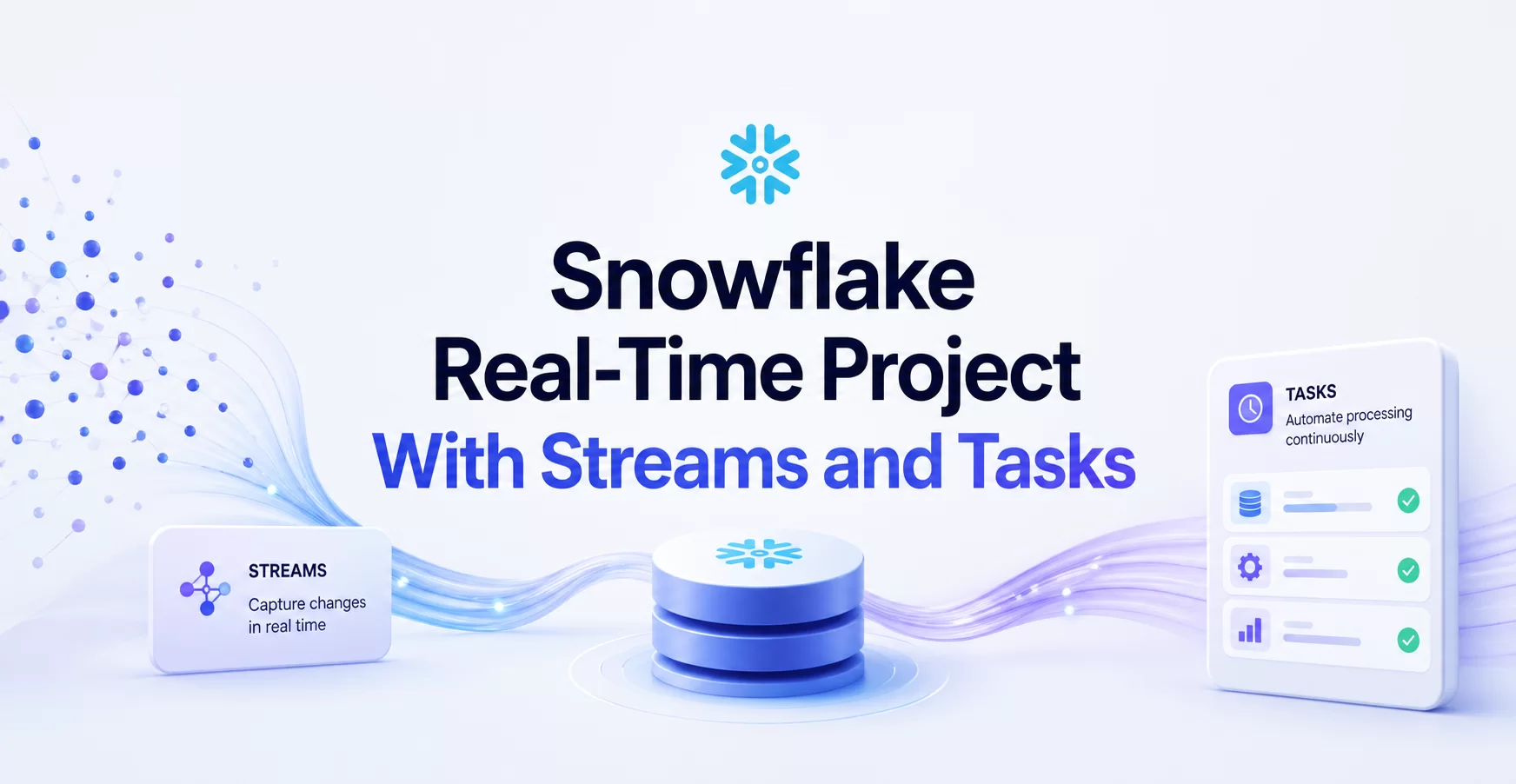
The flow is simple. First, events land in a raw table. Next, a Snowflake Stream watches that table and records row-level changes since the last read. Then a Task runs SQL to clean new rows, dedupe them, and load a target table. After that, another task can build a reporting table or hourly aggregate.
That path is easy to explain, and it mirrors real work on ELT teams. You land data once, process only what changed, and keep downstream tables ready for analysis.
Build the Snowflake pipeline step by step
The best way to build this project is to create each object in the same order the data will move. That keeps the setup clear and makes debugging much easier later.
Start with a database and schema for the project. Then create the raw events table, the stream that watches it, the cleaned target table, and the task that moves new rows forward. If you want a fuller pipeline, add a second task for reporting aggregates.
Create the raw table and load sample data
Your raw table is the landing zone. Keep it simple and close to the source shape. For a signup project, common columns include event_id, user_id, event_type, event_time, device_type, and load_time.
An append-only design works well here because raw data should be easy to audit. If bad logic hits a downstream table, you can rebuild from the source rows. That’s one reason raw tables are so useful in portfolio projects, they show you understand recovery and traceability.
For sample data, you can load files, ingest through Snowpipe, or insert rows from an app or script. You don’t need to go deep on ingestion for this build. The point is to get data landing in Snowflake so the rest of the pipeline has something to process.
Use a Snowflake Stream to capture inserts and updates
A stream tracks changes on a table. It tells downstream SQL which rows are new or changed since the last successful consumption. Because of that, you don’t need to scan the full raw table every time a task runs.
That’s the heart of incremental processing. Instead of reading one million rows every five minutes, you read only the latest batch. That cuts waste and keeps the project easier to reason about.
For most first projects, a standard stream on the raw table is enough. Your transformation query reads from the stream, filters or cleans the new records, and writes the result into a target table. Once that work commits, the stream offset advances.
Streams help you process change, not history. That one idea keeps many Snowflake projects fast and cheap.
Add Tasks to transform new rows on a schedule
Tasks automate the SQL. You can schedule a task every few minutes, or chain tasks so one starts after another finishes. In this signup project, the first task reads from the stream and inserts clean records into a refined table. A second task can roll those rows into a reporting table by hour.
Keep the first transformation modest. Standardize event types, cast timestamps, remove null user IDs, and dedupe on event_id if needed. Then load only valid rows into the cleaned table. That gives you a layer analysts can trust.
You also need to pick compute and timing. Choose a warehouse size that fits the volume, and set a schedule that matches the business need. If the dashboard refreshes every 15 minutes, a one-minute task may waste money. A cron schedule is often enough, and task graphs help when work must happen in order.
At this point, you have the core of a near real-time Snowflake project. New data lands, a stream tracks it, and tasks move it forward without manual effort.
Make the project reliable, fast, and interview ready
A project becomes more impressive when it handles real-world mess. Interviewers often care less about raw syntax and more about your choices around correctness, cost, and monitoring.
Handle duplicate events, late data, and task failures
Duplicate rows show up often in event pipelines. Maybe the app retried a send, or a file loaded twice. That’s why a stable key like event_id matters. Use it to dedupe in the clean layer, or merge based on the latest valid record.
Late data is another common issue. An event may happen at 10:00 but land at 10:07. If your reporting table groups by event time, that late row still belongs in the earlier hour. So you need to decide whether your aggregate task updates only the latest window or reprocesses a short lookback period.
Task failures also matter. A missed run can leave the dashboard stale. Check Snowflake task history, review the SQL error, and decide how the task should recover. In a portfolio project, even a short note about failure handling shows strong judgment.
Fresh data only helps when the pipeline is predictable. Reliability is part of the design, not an extra feature.
Control cost and performance without overbuilding
Near real-time always involves a tradeoff. More frequent runs improve freshness, but they also use more compute. So match the schedule to the business need instead of chasing the shortest possible interval.
Warehouse size matters too. A tiny warehouse may lag if batches spike, while a large one may sit mostly idle. For a small project, start small and measure. If task runs stay quick, there’s no reason to scale up.
Also, avoid full-table logic when incremental SQL will do the job. Reading only from the stream keeps the workload focused. That makes the project cheaper and simpler, which is often the right answer in both practice and interviews.
Turn this Snowflake project into a portfolio piece that stands out
A solid project is more than working SQL. You also need to show the architecture, explain the business problem, and make the repo easy to scan.
Show the architecture, SQL logic, and business outcome
A simple diagram helps people grasp your pipeline fast. Include the raw table, stream, task flow, and reporting table. Add a short README that explains what the pipeline does and why fresh signup data matters.
You should also include a few SQL files with clear names. One file can create tables, another can create the stream, and another can define the task logic. Keep the sample data small and readable.
The business outcome matters as much as the objects. Say that the project keeps a signup dashboard updated every five minutes, cuts full-table scans, and supports faster monitoring after app releases. That turns a technical build into a story hiring managers can follow.
Explain the decisions you made like a data engineer
This is where many portfolio projects fall short. They show the final SQL but skip the thinking. Write down why you used a stream instead of reprocessing the raw table. Explain why the task runs every five minutes instead of every minute. Note how you handle duplicates and what happens if a task fails.
Those short notes make your project interview-ready. They prove you understand tradeoffs, not only syntax. For Data Engineer Academy readers, that’s the difference between “I practiced Snowflake” and “I built a small pipeline with production thinking.”
Frequently Asked Questions About Snowflake Real-Time Project With Streams and Tasks
What do streams do in a Snowflake real-time pipeline?
Streams track changes on a table or view since the last time those changes were read. They capture row-level inserts, updates, and deletes, which makes them a good fit for incremental processing instead of full reloads.
In a real-time project, the stream is the change feed. Your task reads that feed, applies the logic you want, and then the stream advances its offset after the transaction commits.
What do tasks do, and how are they different from streams?
Tasks run SQL or stored procedures on a schedule or after another task finishes. They do the work, while streams hold the change data you want to process.
That split matters. A stream does not move data by itself, and a task does not know what changed unless it reads from a stream or another source. Together, they let you build a simple ELT flow inside Snowflake.
Can Snowflake streams and tasks handle real-time processing?
They can handle near-real-time processing, not true sub-second streaming. You can schedule a task every minute, every few minutes, or chain tasks so processing starts right after upstream work completes.
For many data engineering projects, that is enough. It keeps latency low without forcing a separate streaming stack for every use case.
How do you avoid duplicate processing with streams and tasks?
Use the stream as the source of truth for incremental changes and process it inside a transaction. Once the task successfully commits, Snowflake advances the stream, so the same changes are not read again by that stream.
That said, your downstream logic still matters. If a task fails after partially writing to a target table, you need clean merge logic or idempotent SQL so reruns do not create duplicates.
When should you use Snowpipe instead of streams and tasks?
Use Snowpipe when the main job is getting new files into Snowflake as soon as they land in cloud storage. Use streams and tasks when the data is already in Snowflake and you want to transform, merge, or aggregate it on a schedule.
A common setup is file ingestion with Snowpipe, then transformation with streams and tasks. That split keeps ingestion and processing separate, which makes the pipeline easier to reason about.
How do you monitor and troubleshoot a streams-and-tasks project?
Check task history, task run status, and query history when something looks off. Snowflake gives you system views and account usage views that show whether tasks ran, failed, or skipped execution.
Start with One Stream and One Task
This project teaches three skills in one build: incremental processing, automation, and practical pipeline design. You learn how new data moves through Snowflake without re-reading the full source every time.
That makes it a strong project for learning and for interviews. Start with one raw table, one stream, and one task. Once that works, add a clean layer, a reporting table, and a few reliability checks. Small projects like this often teach more than oversized demos that never get finished.