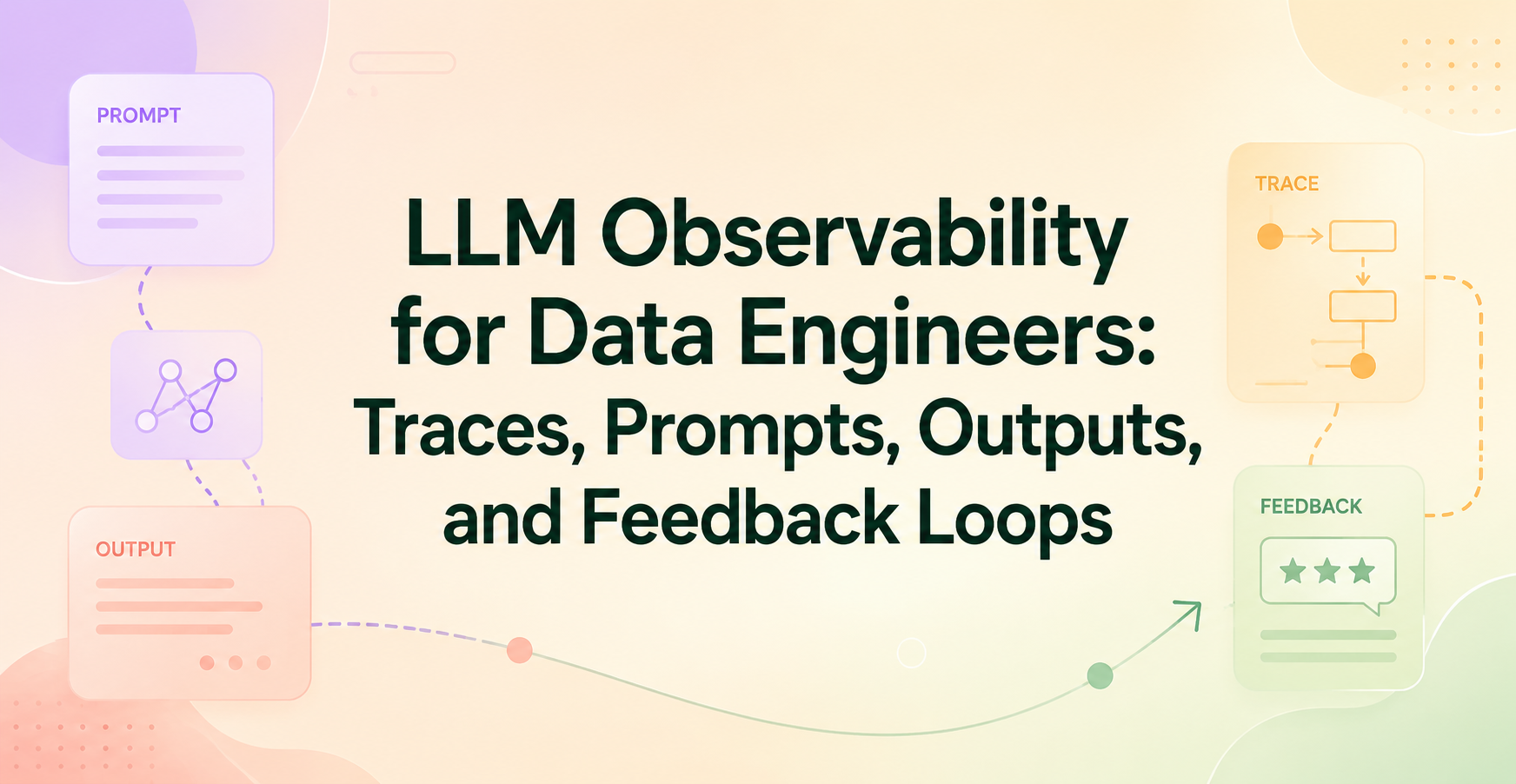
LLM Observability for Data Engineers: Traces, Prompts, Outputs, and Feedback Loops
LLM observability is the practice of tracking what a model request saw, how it moved through your system, what it returned, and what happened next. Data engineers need it because LLMs don’t behave like normal batch jobs. Two requests that look the same can still produce different answers, costs, or failures. Basic logs won’t catch weak prompts, bad retrieval, or silent quality issues, so you need visibility into traces, prompts, outputs, and feedback loops.
Key Points
- LLM systems fail in ways that normal pipeline dashboards often miss.
- Traces connect each model request to every step around it.
- Prompt logging gives context for debugging drift and bad responses.
- Output review catches quality, safety, and formatting problems.
- Feedback loops turn production issues into fixes you can test.
Quick summary: LLM observability ties each request to its context, model call, response, and outcome. That gives data engineers a clear way to debug failures, manage spend, and improve quality over time.
Key takeaway: If you can’t see the full request path, you can’t explain why a model answered badly, slowly, or expensively.
Quick promise: By the end, you’ll know what to instrument first in a real data pipeline, including serverless AWS workflows that use Step Functions, Lambda, Glue, APIs, and vector search.
What LLM observability actually means in a data pipeline
LLM observability is broader than “did the job pass?” It answers a harder question: what happened inside the request path, and why did the result look the way it did? In a modern data pipeline, that path may include input validation, retrieval, prompt assembly, model inference, output parsing, and delivery to a user or downstream system.
A simple comparison helps frame the difference:
| Practice | What it shows | What it misses |
| Monitoring | Health metrics like latency, errors, and throughput | Why one request failed or degraded |
| Tracing | The step-by-step path of one request | Long-term quality trends by itself |
| Observability | Enough context to explain behavior and improve it | Nothing, if the right signals are captured |
For data engineers, that distinction matters because production systems need both reliable execution and reliable answers.
How observability is different from basic logging and metrics
Logs and metrics still matter, but they only tell part of the story. A spike in token usage might come from a bad prompt template, a retrieval bug, or users pasting huge documents. A latency alert might point to the model, but the real bottleneck could be a slow vector database or a retry storm in an external API.
You need request-level context. That means correlation IDs, prompt versions, retrieved chunks, model names, and output samples tied to the same trace. Without that link, debugging becomes guesswork.
Why LLM workflows need more than traditional pipeline monitoring
Traditional ETL monitoring focuses on job state, row counts, schema drift, and freshness. Those checks still apply, especially when Glue jobs, Lambda functions, or Step Functions orchestrate LLM tasks. Still, an LLM step can “succeed” and produce a poor answer.
A pipeline may complete on time while the model hallucinates, ignores policy, or formats JSON badly. Retrieval may return outdated documents. Prompt changes may lower answer quality without raising a single error. That’s why model monitoring in a data pipeline has to include behavior, not only execution.
The four signals that give you real visibility: traces, prompts, outputs, and feedback
These four signals work best as one system:
- Traces show the full path of each request.
- Prompts capture what the model actually received.
- Outputs show what the model returned.
- Feedback tells you whether the result worked in practice.
When one signal is missing, the story breaks. You may know an answer was bad, but not which prompt version caused it. Or you may see cost growth without knowing which route or tenant drove it.
Traces show the full path of a request
Tracing connects the input, retrieval step, prompt build, model call, tool calls, parser, and final response. That path matters because many failures sit outside the model itself. A slow search query, empty context window, or API timeout can ruin the answer before the model even starts.
Use a request ID across every step. If you’re on AWS, propagate that ID through API Gateway, Lambda, Step Functions, queues, and logging. OpenTelemetry can help standardize spans across services.
Prompt logging helps you spot bad inputs and prompt drift
Prompt logging should capture the full prompt context, not only the final string. Store the system message, user input, retrieved context, tool instructions, model settings, and prompt version. Then you can compare behavior across releases.
Redact or mask sensitive data before storage. Prompt logs often contain customer text, internal records, or support tickets. Good observability helps you debug without turning your logging stack into a privacy risk.
Outputs reveal quality, safety, and consistency problems
Model outputs are where silent failures show up. Look for hallucinations, broken JSON, policy violations, unsupported claims, incomplete answers, and inconsistent formatting. Sampling output examples helps because averages hide ugly edge cases.
Comparisons also matter. If prompt version B has the same latency as version A but causes more retries or manual edits, it isn’t better. Store enough output detail to compare model versions, prompt updates, and retrieval changes.
Feedback loops turn one-off answers into better systems
Feedback closes the loop between production behavior and improvement. Some signals are explicit, such as thumbs up, thumbs down, or reviewer labels. Others are implicit, such as retries, copied text, user edits, escalation to a human, or a second search after the answer.
Those signals help teams improve prompts, retrieval logic, evaluation sets, and model choice. Over time, feedback turns random incidents into patterns you can test.
What data engineers should instrument at each step
Most observability gaps happen before or after the model call. That’s why instrumentation should cover the whole request path, not only inference.
Capture request context before the model call
Before inference, log the metadata that explains the request later. Useful fields include user ID or tenant ID, route name, environment, dataset version, prompt version, feature flag state, and source application. In shared systems, this context helps you separate one noisy customer from a real platform issue.
It’s also how you debug release problems. If answer quality dropped after a deployment, prompt version and dataset version often tell you more than raw latency graphs.
Track tool calls, retrieval steps, and downstream dependencies
RAG pipelines add more moving parts, so each one needs timing, status, and error data. Capture search queries, retrieved document IDs, vector similarity scores when available, API response codes, and cache hits. If a feature store or vector database returns stale data, the model may look wrong when the data layer is the real problem.
This matters in serverless stacks. A Step Functions workflow may call Lambda for retrieval, Bedrock or OpenAI for inference, then another Lambda for post-processing. Each hop needs trace data.
Measure cost, latency, and token usage without losing context
Cost metrics only help when they’re tied to real requests. Track input tokens, output tokens, total latency, retry rate, model name, and cache usage. Then join those numbers back to route, prompt version, tenant, and result quality.
That lets you answer practical questions. Did a new prompt increase output tokens by 40 percent? Did retries spike after a vector index refresh? Did a cheaper model reduce cost but raise escalations? Context turns spend data into decisions.
How to build a feedback loop that actually improves the system
A useful loop looks familiar to data engineers: detect, review, label, test, and deploy. The difference is that your “bad rows” are now bad answers, risky outputs, or low-quality retrieval.
Use human review and labels for the hardest failures
Human review still matters for safety issues, edge cases, and high-impact outputs. Keep the workflow light. Review a sample of failures, label the issue type, and write short guidance so multiple reviewers stay consistent.
A small, clean label set beats a giant taxonomy nobody uses. Start with categories like “hallucination,” “bad retrieval,” “format error,” and “policy issue.”
Turn feedback into eval sets and prompt updates
Every bad example is a future test case. Add failed prompts, retrieved context, and expected outcomes to an eval set. Then compare prompt versions before release instead of patching issues by instinct.
This is where observability pays off. You stop asking, “Did we improve?” and start answering it with repeatable tests.
One-minute summary
- Instrument the whole request path, not only the model call.
- Log prompt context with versioning and redaction.
- Review outputs for quality, safety, and consistency.
- Tie cost and latency to trace data.
- Turn production failures into eval cases.
Glossary
- Trace: A linked record of every step in one request.
- Prompt version: The exact template and settings used for a model call.
- RAG: Retrieval-augmented generation, where external data is fetched before inference.
- Prompt drift: Behavior changes caused by prompt edits, data changes, or context shifts.
- Eval set: A saved group of test cases used to compare versions.
- Redaction: Removing or masking sensitive content before storage.
Conclusion
Start small and instrument one production use case end to end. Add request IDs, prompt logging, output samples, and a simple feedback label before you chase perfect tooling. Visibility matters more than polish on day one, because you can’t improve what you can’t explain.
If you want guided practice, Data Engineer Academy’s GenAI and LLM course walks through real pipelines. For a next read, focus on AWS Step Functions data pipelines and Glue job vs Lambda design choices.
FAQ
What is LLM observability in simple terms?
LLM observability is the ability to see what an AI request received, what steps it took, what answer it produced, and whether that answer helped. For data engineers, it combines tracing, prompt logging, output review, and feedback signals. That makes debugging possible when the system “works” but the answer is still wrong.
How is LLM observability different from model monitoring in a data pipeline?
Model monitoring usually tracks health signals such as latency, error rate, throughput, and token usage. LLM observability goes further because it adds request context, prompt versions, retrieved documents, outputs, and user feedback. Monitoring tells you that something changed. Observability helps you explain why it changed.
What should data engineers log for prompt logging?
At a minimum, log the system prompt, user input, retrieved context, prompt version, model name, temperature, and request ID. Also record whether redaction ran before storage. That set gives enough context to reproduce problems and compare versions without relying on memory or scattered logs.
Which AWS services are useful for LLM observability?
Common building blocks include CloudWatch for logs and metrics, X-Ray or OpenTelemetry-based tracing, Step Functions for request orchestration, Lambda for event-driven steps, and Bedrock for managed model calls. Teams also log retrieval activity from OpenSearch, Aurora, or vector databases. The main goal is consistent trace IDs across every hop.