

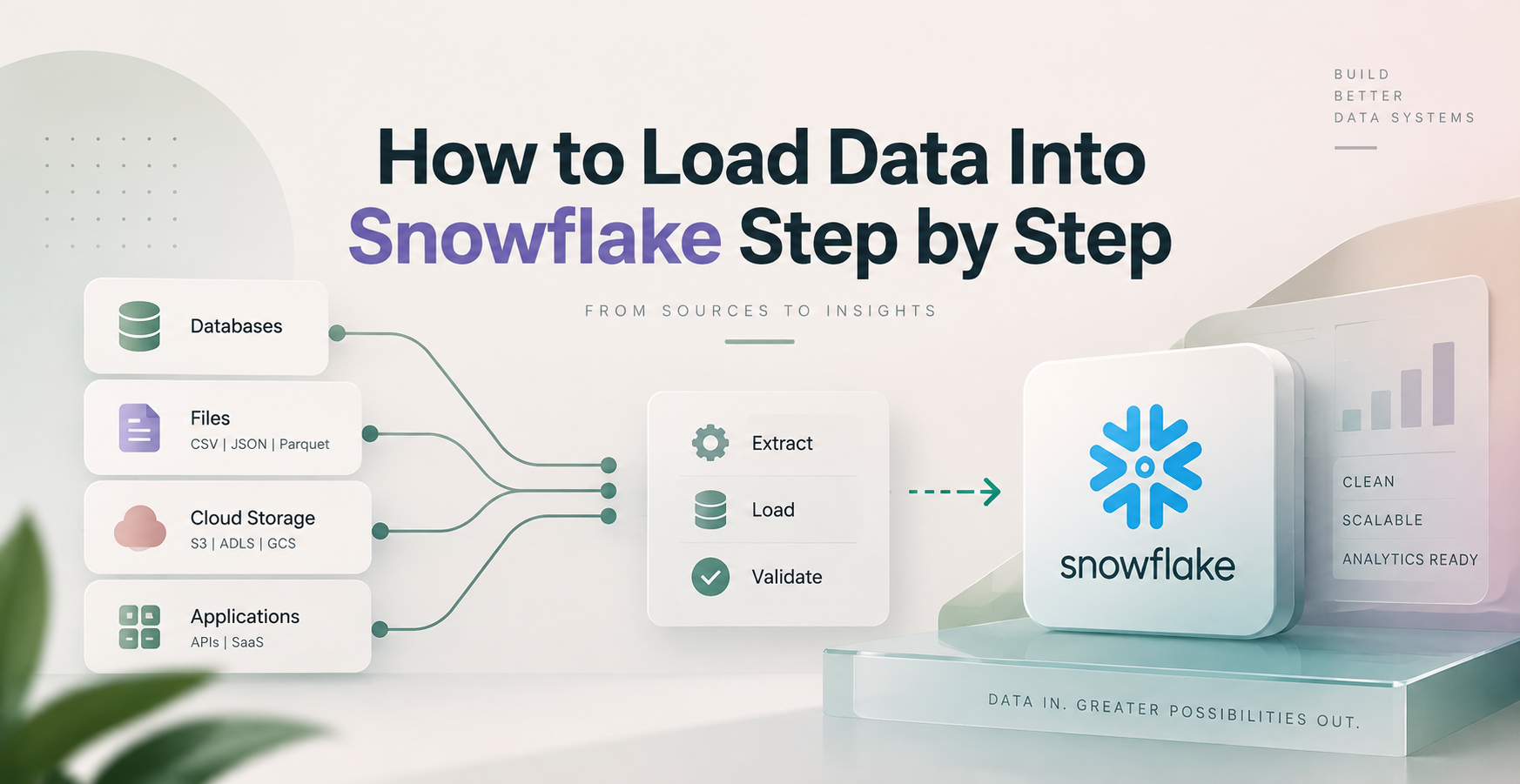
How to Load Data Into Snowflake Step by Step
To load data into Snowflake, create a warehouse, prepare a source file, define a target table, stage the data, and run COPY INTO or a supported connector. This walkthrough for how to load data into Snowflake step by step uses a CSV file in an Amazon S3 stage. It also covers local uploads, Snowsight, SnowSQL, Snowpipe, and external connectors.
Key Points
- A file format tells Snowflake how to read CSV headers, delimiters, quotes, nulls, and dates.
- A named stage gives your load process a reusable location for source files.
- COPY INTO loads staged files into a target table and records loaded-file metadata.
- Snowsight works well for a first upload, while scripts and automated services fit recurring loads.
- A completed load needs row-count, null, duplicate, and rejected-record checks.
Quick Summary: A dependable Snowflake load starts with a clean source file and matching table schema. Stage the file, run COPY INTO, validate the rows, then add automation and access controls as the pipeline moves toward production.
Key Takeaway: Match source columns to Snowflake data types before loading. A precise file format and a sample validation run catch most CSV issues before they become missing records or failed production jobs.
Quick Promise: After following this workflow, you can load a CSV into Snowflake through Snowsight or Amazon S3, verify the results with SQL, and choose an ingestion approach that fits your schedule and data volume.
How to Load Data Into Snowflake Step by Step
A basic workflow has seven parts:
- Select a role and start a warehouse.
- Create a database and schema.
- Check the CSV structure.
- Define a file format and target table.
- Create a stage.
- Run COPY INTO.
- Query and validate the loaded rows.
Start in Snowsight by selecting a role with access to a warehouse, database, schema, and stage. You can create objects in Worksheets with SQL:
- Run CREATE WAREHOUSE IF NOT EXISTS ingest_wh WITH WAREHOUSE_SIZE = ‘XSMALL’ AUTO_SUSPEND = 60 AUTO_RESUME = TRUE;
- Run USE WAREHOUSE ingest_wh;
- Run CREATE DATABASE IF NOT EXISTS hr; and CREATE SCHEMA IF NOT EXISTS hr.raw;
Use CREATE IF NOT EXISTS when existing objects should remain unchanged. Use CREATE OR REPLACE only when replacing an object is safe, because it can remove the current object and its settings.
Prepare the File and Create the Target Table
Assume employees.csv contains employee_id, name, department, and hire_date. Check its header row, delimiter, quoted commas, embedded line breaks, UTF-8 encoding, null values, duplicate rows, and date pattern before uploading.
Create types that match the business meaning of each field: CREATE TABLE IF NOT EXISTS hr.raw.employees (employee_id NUMBER, name VARCHAR, department VARCHAR, hire_date DATE);
Then define the parser: CREATE FILE FORMAT IF NOT EXISTS hr.raw.csv_format TYPE = CSV SKIP_HEADER = 1 FIELD_OPTIONALLY_ENCLOSED_BY = ‘”‘ NULL_IF = (”, ‘NULL’) DATE_FORMAT = ‘YYYY-MM-DD’;
Unquoted identifiers become uppercase in Snowflake. Quoted identifiers preserve case and require matching quotes later. Also, don’t store every column as VARCHAR. Loading dates into DATE and IDs into NUMBER exposes conversion problems early.
Stage the Files and Run COPY INTO
An internal stage stores files inside Snowflake. An external stage points to Amazon S3, Azure Blob Storage, or Google Cloud Storage. For an S3 stage, replace the integration name and bucket path with your own values:
CREATE STAGE IF NOT EXISTS hr.raw.employees_s3 URL = ‘s3://<your-bucket>/employees/’ STORAGE_INTEGRATION = <your_integration> FILE_FORMAT = hr.raw.csv_format;
Load the files with: COPY INTO hr.raw.employees FROM @hr.raw.employees_s3 PATTERN = ‘.*employees.*[.]csv’ ON_ERROR = ‘ABORT_STATEMENT’;
COPY INTO can load one file, a folder path, or files that match a pattern. Start with a small sample. Use VALIDATION_MODE = ‘RETURN_ERRORS’ before a full load, and treat permissive ON_ERROR settings carefully. Snowflake tracks loaded files for COPY INTO, which helps prevent accidental file-level reloads.
Load Data Through Snowsight, SnowSQL, or a Connector
For a first local CSV upload, open Data in Snowsight, select the target database and schema, then choose Add Data and follow the Load Data wizard. It can create or use a table and file format.
SnowSQL and the Snowflake CLI suit scripted workflows. Python’s connector can run SQL after a file arrives. Fivetran and Matillion extract from supported source systems, while dbt transforms data after ingestion. Use Snowsight for exploration, then move repeatable work into version-controlled SQL, Python, Airflow, or another orchestrator.
Choose the Right Snowflake Data Loading Method
The best loading method depends on file size, delivery frequency, source system, required latency, and your team’s technical skills.
| Method | Best for | Setup effort | Key limitation |
| Snowsight local upload | One-off testing | Low | Manual process |
| PUT plus COPY INTO | Scripted local files | Medium | Requires client access |
| External stage | Cloud storage batches | Medium | Needs cloud configuration |
| Snowpipe | Event-based file delivery | Medium | Requires notification setup |
| Snowpipe Streaming | Near-real-time rows | High | More operational design |
| Fivetran or Matillion | Managed source ingestion | Medium | Tool cost and connector limits |
An internal stage fits controlled file uploads and smaller scripted jobs. Choose an S3, Azure Blob Storage, or Google Cloud Storage stage when files already land in cloud storage or multiple systems need access.
Batch Loads, Continuous Loads, and Near-Real-Time Ingestion
Batch loading processes files on a schedule, such as a nightly CRM export. It is simple to monitor and works well when fresh data can wait.
Continuous file loading uses Snowpipe when new hourly S3 files arrive. Snowpipe Streaming accepts rows with lower latency, such as application events. However, lower latency increases monitoring, schema-management, and operational demands. dbt belongs after ingestion, where it builds tested models from loaded tables.
Control Access Before You Load Production Data
Snowflake RBAC controls who can use warehouses and create objects in databases, schemas, and stages. Grant only the privileges a role needs, and separate development from production.
Use a storage integration for cloud stages instead of embedding cloud keys in SQL scripts. Protect personal data with restricted roles, masking policies, and tags. Before production, confirm access to:
- The required warehouse, database, schema, and target table.
- The cloud storage path and storage integration.
- Load history, task logs, and rejected-record output.
Verify the Load and Fix Common Snowflake Errors
A successful command does not always mean the dataset is trustworthy. Check the row count with SELECT COUNT(*) FROM hr.raw.employees; and inspect records with SELECT * FROM hr.raw.employees LIMIT 20;
Compare the result with the source record count. Then check nulls, duplicate employee IDs, accepted departments, and date ranges. You can inspect load activity through INFORMATION_SCHEMA.LOAD_HISTORY or SNOWFLAKE.ACCOUNT_USAGE.LOAD_HISTORY, subject to your privileges.
| Error | Likely cause | Practical fix |
| Column count mismatch | Wrong delimiter or source layout | Check the CSV and file format |
| Invalid date | Source date differs from expected format | Set DATE_FORMAT or clean the source |
| Malformed quotes | Broken quoted field or line break | Repair the CSV export |
| Missing file | Wrong stage path or pattern | List the stage and correct the path |
| Insufficient privileges | Role lacks access | Grant the required least-privilege role |
| Suspended warehouse | Warehouse is unavailable | Resume it or enable auto-resume |
Use Validation Mode and Error Files Before a Full Load
Test without inserting rows: COPY INTO hr.raw.employees FROM @hr.raw.employees_s3 VALIDATION_MODE = ‘RETURN_ERRORS’;
ON_ERROR = ‘CONTINUE’ can keep a load running, yet it can also hide lost records. For important data, capture rejected rows, repair the source or file format, and rerun the affected file. A small-file test is faster than cleaning up a large bad load.
Prevent Duplicate Rows and Handle Schema Changes
Snowflake’s load tracking prevents many file-level duplicates, but it does not replace row-level deduplication. A renamed file or changed path can appear new to the load process.
For sources that send updates, load into a staging table with a load timestamp and source filename. Then use MERGE to insert new rows and update existing keys. Add new columns deliberately, map renamed columns, and test incompatible type changes before production deployment.
Make Snowflake Loads Reliable, Secure, and Cost-Aware
Use consistent names for databases, schemas, stages, tables, and jobs. Keep reusable SQL in version control, attach source metadata, and make jobs idempotent so a retry does not create duplicate records.
Auto-suspend limits idle warehouse time, while auto-resume supports scheduled work. Right-size warehouses after measuring actual load behavior. Compress files when appropriate, and avoid sending huge numbers of tiny files because each file creates handling overhead. Check current Snowflake pricing and regional cloud storage charges before setting production schedules.
A Practical Production Checklist for Data Engineers
- Assign a source owner and document delivery timing.
- Version the file format, table schema, and stage configuration.
- Validate a sample file before each new source release.
- Store rejected records and alert the responsible team.
- Add source filename, load timestamp, and deduplication logic.
- Monitor Snowflake Tasks, Streams, Airflow, or pipeline logs.
- Test recovery steps before promoting changes to production.
Snowflake Loading Terms to Know
Warehouse: Compute resources that run SQL and loading commands.
Stage: A location where Snowflake reads files before loading.
Internal stage: File storage managed inside Snowflake.
External stage: A pointer to S3, Azure Blob Storage, or Google Cloud Storage.
File format: Rules for parsing files such as CSV delimiters and headers.
COPY INTO: SQL command that loads staged files into a table.
Snowpipe: A managed service for continuous file ingestion.
Snowpipe Streaming: A service for near-real-time row ingestion.
Storage integration: A secure Snowflake object for cloud storage access.
Schema: A database namespace that contains tables, stages, and formats.
MERGE: SQL command for upsert logic between source and target tables.
RBAC: Role-based access control for Snowflake privileges.
Put the Loading Workflow Into Practice
- Clean and profile the source CSV before uploading it.
- Create matching table types and a reusable file format.
- Stage files in Snowflake or cloud storage.
- Run COPY INTO, Snowpipe, or a connector that fits the delivery pattern.
- Validate counts, values, nulls, duplicates, and rejected rows.
- Add roles, alerts, retries, and cost controls before production.
Snowsight is a strong starting point for learning how to load data into Snowflake step by step. Scripted stages and automated services become the better choice when the pipeline must run reliably without manual uploads. Practice this workflow through a guided cloud data engineering project at Data Engineer Academy.
FAQs
How do I load a CSV file into Snowflake?
Create a target table and CSV file format, upload or stage the file, then run COPY INTO. For a local test, Snowsight’s Load Data wizard can upload the file and guide table creation. Validate row counts and rejected records after the load.
Can I upload a local file to Snowflake?
Yes. Snowsight can upload a local file through its Load Data wizard. For scripts, use PUT to move a local file into an internal stage, then load it with COPY INTO. External stages work better when files already live in cloud storage.
What is the difference between a stage and a table in Snowflake?
A stage stores or references files waiting to load. A table stores structured rows that Snowflake can query. COPY INTO reads files from a stage, applies a file format, and writes the parsed values into the target table.
Does COPY INTO prevent duplicate data in Snowflake?
COPY INTO tracks loaded files and helps prevent repeated loading of the same file. It does not guarantee row-level uniqueness. Use a staging table and MERGE, or deduplication SQL based on business keys, when source files contain updates or repeated records.
Should I use Snowpipe or COPY INTO?
Use COPY INTO for scheduled batch loads and controlled scripts. Use Snowpipe when cloud storage receives files continuously and notifications can trigger ingestion. Snowpipe Streaming fits near-real-time application events, but it needs more engineering and monitoring than a scheduled batch process.
Why does my Snowflake CSV load fail?
Common causes include wrong delimiters, malformed quotation marks, invalid dates, incorrect null handling, and column count mismatches. Run COPY INTO with VALIDATION_MODE = ‘RETURN_ERRORS’ first. Then correct the source file or file format rather than skipping important failed rows.
What permissions are needed to load data into Snowflake?
Your role needs permission to use the warehouse and access the database, schema, stage, and target table. External cloud stages also need a configured storage integration. Grant only necessary privileges, and never place long-lived cloud credentials directly in scripts.
Is dbt a Snowflake data loading tool?
No. dbt primarily transforms data already available in Snowflake. It can build models, run tests, and document transformations after ingestion. Pair dbt with COPY INTO, Snowpipe, Fivetran, Matillion, or a custom connector for the actual data ingestion layer.