
CI/CD for Data Pipelines: GitHub Actions, dbt, Airflow, and Tests
CI/CD for data pipelines means using automated checks and deployment steps to safely test, validate, and release changes to dbt models, Airflow DAGs, and related code. It replaces risky manual releases with repeatable workflows. For data teams, that means fewer broken pipelines, faster releases, and more trust in the tables and dashboards people use every day.
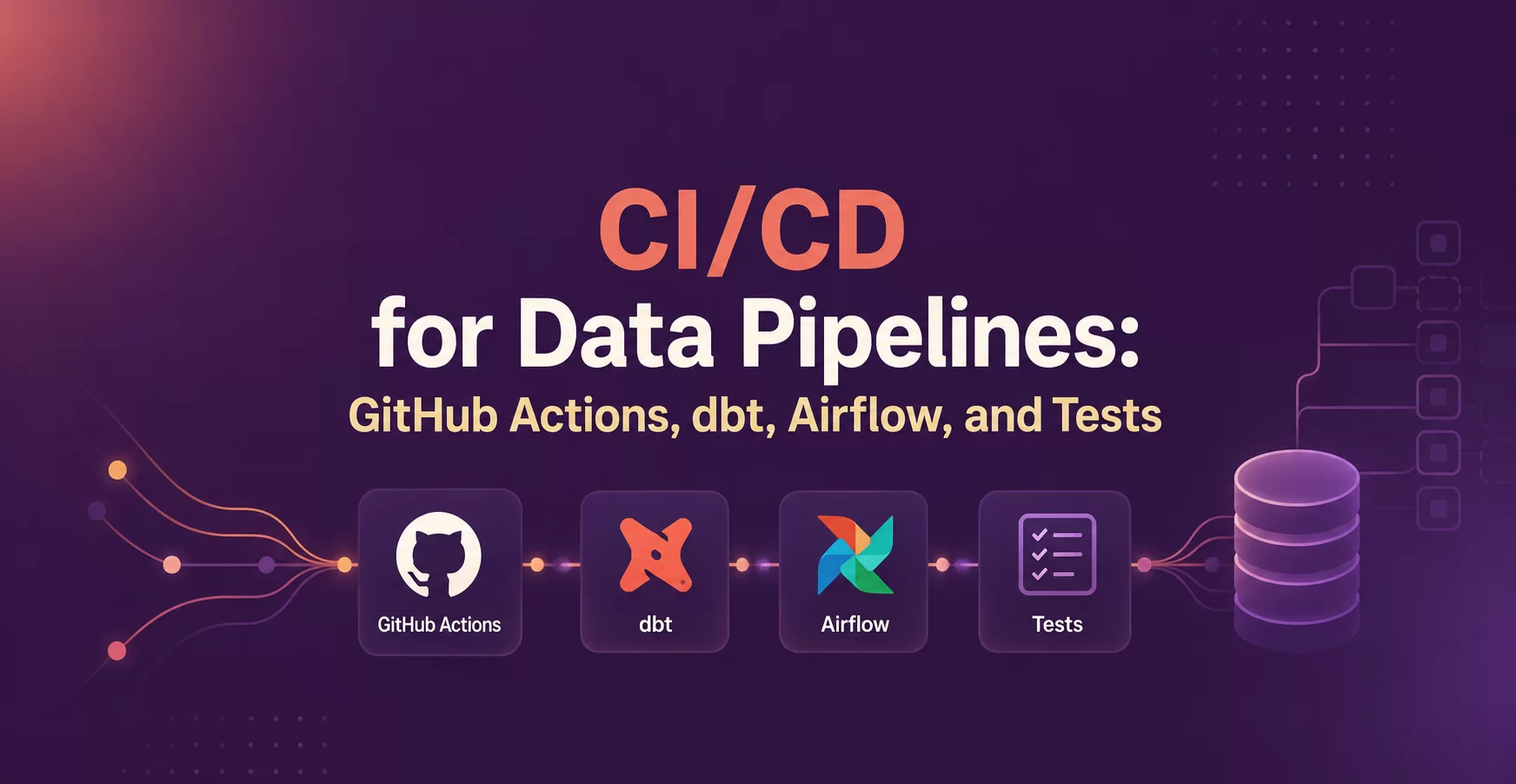
GitHub Actions often runs the automation, dbt checks model logic and data quality, Airflow handles orchestration, and tests catch mistakes before production does. Once those pieces work together, shipping changes feels calm instead of fragile.
Key Points
- CI/CD lowers risk by testing pipeline changes before production.
- GitHub Actions can run checks on pull requests, pushes, and schedules.
- dbt catches SQL, schema, and freshness issues early.
- Airflow needs DAG validation before deployment.
- Small, fast tests beat large, slow pipelines at the start.
Quick summary: Good data pipeline CI/CD runs small, repeatable checks on every change. It validates SQL, DAG code, and data expectations before deployment, so teams move faster without using production as a test bed.
Key takeaway: Start with pull request checks first. A few dependable tests prevent more failures than a large but flaky setup.
Quick promise: You can leave with a practical starter pattern for dbt CI/CD, Airflow safety checks, and a test stack that a small team can keep running.
What CI/CD looks like for a modern data pipeline
CI, continuous integration, means every change gets checked quickly. CD, continuous delivery or deployment, means approved changes move through staging and production in a repeatable way. In data work, that applies to SQL models, Python helpers, Airflow DAGs, configs, and sometimes infrastructure.
A simple flow looks like this: a developer opens a pull request, GitHub Actions runs checks, reviewers approve the change, then a deploy job promotes it. That sounds close to app CI/CD, but data pipelines add another layer. Code can pass while data still fails because schemas shifted, partitions arrived late, or a downstream model expected a column that vanished.
Why data pipelines need tighter checks than app code
Data failures hide well. A bad dbt model might still run and produce the wrong numbers. An Airflow task can stay stale because a dependency changed. A source schema can drift without warning, then a dashboard breaks hours later. Because the damage often shows up downstream, teams need checks that look at both code and data behavior.
The core stages, validate, test, build, and deploy
A clean pipeline usually follows four steps:
- Validate the shape of the change with linting, formatting, and DAG parsing.
- Test SQL logic, Python code, and data expectations.
- Build the deployable artifact, or at least compile the project.
- Deploy only after checks pass and approvals are in place.
CI covers the early steps. CD handles promotion to the next environment.
How GitHub Actions fits into the pipeline
GitHub Actions is the automation layer that connects source control to pipeline checks. It listens for events like pull_request, push, and scheduled runs, then executes the jobs you define. For many teams, that makes it the easiest place to wire together dbt CI/CD and Airflow validation.
On a pull request, a basic workflow installs dependencies, checks formatting, runs Python tests, compiles dbt models, runs dbt tests, and parses Airflow DAGs. If any job fails, the merge stops. After a merge to the main branch, another workflow can publish DAG code or trigger a staged deployment.
A simple workflow for pull requests and merges
Keep the first version boring. Run the same checks every time, keep logs readable, and fail fast. Teams trust automation when failures are clear and repeatable. They ignore it when jobs are slow, noisy, or inconsistent.
What to automate first so you get value fast
Start with SQL linting, Python unit tests, dbt compile, dbt test, and DAG parsing. Those checks catch a surprising share of errors. You don’t need to automate every environment, seed, backfill, and data contract on day one.
Using dbt for safe model changes and fast feedback
dbt is often the best place to catch transformation problems early because it understands model dependencies. A bad join, a renamed column, or a failing test usually shows up here before it reaches a dashboard. That makes dbt central to safe data pipeline deployment.
On each change, dbt compile tells you whether the project can render valid SQL. dbt test adds data checks on top of that. dbt docs also helps because it exposes lineage and model descriptions, which makes reviews easier when someone asks, “What will this change affect?”
dbt tests that should run on every change
Generic tests protect common rules such as unique keys, non-null fields, and accepted values. Singular tests cover custom business logic, for example, a rule that refunds can’t exceed charges. Source freshness checks tell you when upstream data arrived late. Schema checks catch missing columns or changed types before models fail deeper in the graph.
How slim CI speeds up dbt pipelines
Full dbt runs can get slow as projects grow. Slim CI reduces that pain by testing only changed models and their parents or children, based on the state from a previous build. The tradeoff is simple: you gain speed, but you lose some broad coverage. Many teams use slim CI on pull requests, then run wider tests on the main branch or in staging.
Keeping Airflow deployments predictable and safe
Airflow is the orchestration layer, not the transformation engine. Its job in CI/CD is different. You want to prove DAG code loads correctly, imports its dependencies, and won’t break the scheduler after deployment.
Checks that catch broken DAGs before they reach production
DAG parsing is the first line of defense. If Airflow can’t import a file, the scheduler can’t use it. Add import tests, dependency checks, and a few task-level unit tests for custom logic. Those checks prevent the worst surprise in Airflow, a “successful” deploy that silently removes or breaks workflows.
Common deployment patterns for Airflow teams
These common patterns show the tradeoffs quickly:
| Pattern | Best when | Watch for |
| Git sync | DAGs are plain files and releases are simple | Sync lag and branch drift |
| Container images | You want pinned dependencies | Image builds add time |
| Packaged DAGs | You promote the same artifact across envs | Packaging adds setup work |
The right choice depends on your platform and team habits. What matters most is consistent promotion, not a fancy release pattern.
The tests that matter most in data pipeline CI/CD
A useful test stack looks like a pyramid. Put many fast unit tests at the bottom, fewer integration tests in the middle, and a small number of end-to-end checks at the top. Data quality tests cut across all of it because a pipeline can “work” and still publish bad data.
Unit tests for SQL, Python, and small logic blocks
Unit tests catch mistakes in helper functions, macros, task branching, and small transform logic. They run fast, so developers get feedback before a pull request grows stale. For SQL, the goal is narrow validation, not full warehouse realism.
Integration and data quality tests that protect production data
Integration tests check handoffs between systems, such as raw ingestion feeding dbt models or dbt outputs feeding Airflow tasks. Data quality tests then check row counts, freshness, null rates, duplicates, and schema expectations on the produced tables. End-to-end tests matter too, but keep them few because they are slower and harder to debug.
A practical starter setup you can copy and adapt
A small team does not need a giant platform to get value. A good starter setup runs GitHub Actions on pull requests, compiles and tests dbt, validates Airflow DAGs, and deploys only after approval. That covers the highest-risk points without turning CI/CD into its own project.
A clean order for environments and approvals
Keep the path simple: local development, pull request checks, staging, then production. Manual approval still makes sense before production, especially for schema changes, new DAGs, or model updates that touch finance or customer reporting.
Mistakes that break data CI/CD and how to avoid them
Flaky tests waste trust fast, so remove time-sensitive and non-deterministic checks. Also, don’t test everything on every pull request. Skip that trap by keeping CI fast, moving heavier jobs to staging, and separating deploy logic from pipeline logic.
One-minute summary
- Run GitHub Actions on every pull request.
- Fail merges on dbt compile, dbt test, and DAG parse errors.
- Use slim CI when dbt runs get slow.
- Validate Airflow code before the scheduler sees it.
- Promote changes through dev, staging, and prod.
Glossary
CI: Automated checks that run when code changes.
CD: Automated release steps after checks pass.
DAG: An Airflow workflow with tasks and dependencies.
Pull request: A proposed change reviewed before merge.
dbt compile: A check that renders SQL and catches project errors.
Slim CI: A dbt pattern that tests only changed nodes and related models.
Source freshness: A check for late-arriving upstream data.
Data quality test: A rule for nulls, duplicates, counts, freshness, or schema.
Closing thoughts
Broken pipelines usually come from small unchecked changes. Good CI/CD catches those changes early, before a dbt model, an Airflow DAG, or a dashboard fails in production.
GitHub Actions is the glue, dbt validates model logic, Airflow needs DAG safety checks, and tests protect trust in the data. Start with one pull request workflow, keep it fast, and add depth only when the team trusts the results.
If you want guided practice, Data Engineer Academy’s DE Projects Course is a strong next step. Next articles to read: dbt project structure, Airflow DAG best practices, data quality testing, and GitHub Actions for Python.
Meta description: Learn how to build CI/CD for data pipelines with GitHub Actions, dbt, Airflow, and tests that protect data quality before release.
URL slug: /ci-cd-data-pipelines-github-actions-dbt-airflow-tests
FAQ
What is CI/CD for a data pipeline?
CI/CD for a data pipeline is an automated workflow for testing and releasing SQL models, DAGs, and support code. It runs checks on pull requests, blocks unsafe merges, and promotes approved changes through staging and production with less manual work.
Can GitHub Actions work with Airflow and dbt?
Yes. GitHub Actions can install dependencies, run dbt compile, run dbt test, parse Airflow DAGs, and trigger deploy jobs after a merge. It works well when GitHub is already the team’s source-control and review system.
What dbt tests should run on every pull request?
Start with dbt compile, generic tests, key singular tests, and source freshness when timing matters. Those checks catch broken SQL, invalid joins, missing keys, duplicate records, and late-arriving data before the change reaches production.
Do small data teams need a staging environment?
Usually, yes. A lightweight staging environment gives you one last safe place to validate orchestration, permissions, schemas, and deploy behavior. It does not need full production scale, but it should reflect the parts that often break.
What causes flaky data pipeline tests?
Flaky tests often depend on changing source data, time-based logic, slow external services, or shared state between runs. Use fixed samples, isolate dependencies, and keep tests deterministic so a failure points to a real problem.
How do I start CI/CD without overbuilding it?
Start with one pull request workflow. Add linting, dbt compile, dbt test, and Airflow DAG parsing first. After that feels stable, add staging deploys, slim CI for speed, and a production approval step.