
dbt Core vs. dbt Cloud: Features, Costs, and Trade-Offs
dbt Core is the free, open-source command-line tool, while dbt Cloud is a hosted service with managed development and execution workflows. The dbt Core vs. dbt Cloud decision depends on your team size, engineering capacity, workflow needs, and budget.
Core gives you more control over infrastructure. Cloud reduces setup work, but you need to check its current plans against your requirements.
Key Points
- dbt Core has no dbt license fee.
- Cloud capabilities depend on your selected plan.
- Both options require a supported data platform.
- Engineering time belongs in your cost comparison.
- Existing infrastructure can make Core easier to operate.
Quick summary: Core puts operations in your hands. Cloud manages more of the surrounding workflow.
Key takeaway: Compare total operating cost, including maintenance and warehouse compute.
Quick promise: You’ll be able to choose a setup that matches your team’s skills, delivery needs, and budget.
dbt Core vs. dbt Cloud: Features, Costs, and Trade-Offs
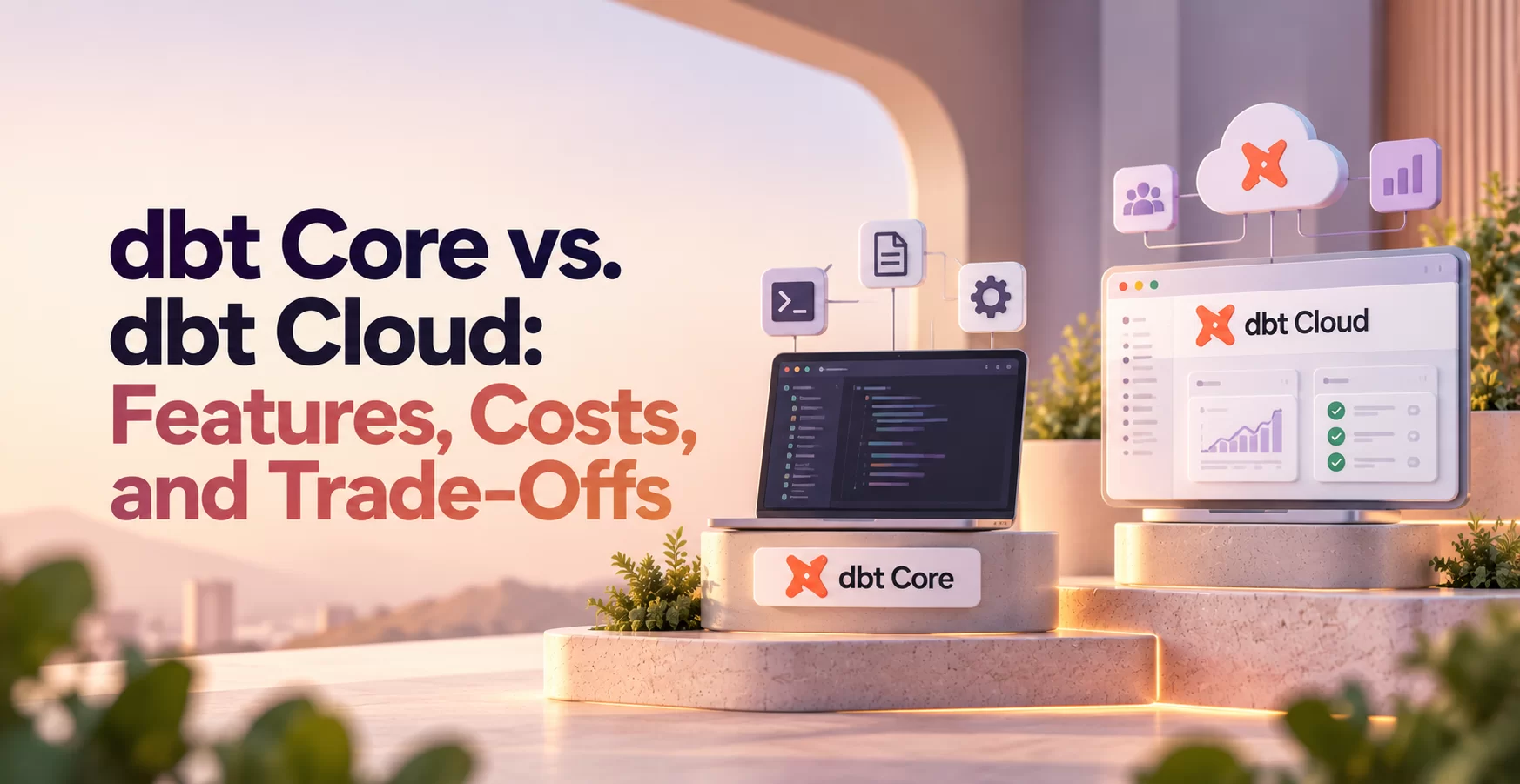
dbt Core is the open-source dbt command-line interface. dbt Cloud is a managed platform built around dbt workflows. Both support transforming data already available in your data platform; neither replaces an ingestion tool.
Here’s how their operating models compare.
| Area | dbt Core | dbt Cloud |
| Licensing | Apache 2.0 open-source license | Hosted service governed by plan terms |
| Setup | Install dbt and configure an adapter | Configure a hosted project and connections |
| Development tools | Local editor and command line | Browser-based IDE and other supported options |
| Job scheduling | External scheduler | Managed scheduling |
| CI workflows | Configure your CI system | Managed CI capabilities, depending on plan |
| Documentation | Generate and host documentation yourself | Hosted documentation capabilities |
| Hosting | Your chosen runtime | Provider-managed execution environment |
| Operational ownership | Your team manages execution infrastructure | Shared between your team and dbt |
The main difference is who operates the workflow. Check current product documentation because Cloud features and limits vary by plan.
What dbt Core gives teams control over
You can run Core locally, in a Docker container, or on infrastructure your team manages. You also choose your editor, scheduler, CI system, and deployment process.
That flexibility suits established engineering platforms. However, someone must maintain dependencies, troubleshoot failed runs, handle upgrades, and support developers. A free license doesn’t remove that work.
What dbt Cloud manages for you
Cloud provides hosted development and execution, including a browser-based IDE and managed job scheduling. Collaboration, administrative controls, and advanced workflow features depend on the offering and plan.
This reduces infrastructure setup. In exchange, you accept platform dependencies, service limits, and applicable subscription charges. Your team still owns model logic, data quality, and warehouse permissions.
How dbt Core and dbt Cloud costs differ in practice
Compare the cost of running your actual workload, rather than comparing a free license with a subscription. Include developer time, runtime infrastructure, and warehouse compute in both estimates.
For Snowflake or BigQuery, transformation queries consume resources under the data platform’s billing model. A hosted dbt workflow doesn’t make those queries free.
Budget for the people and tools behind dbt Core
Core may require spending on execution compute, orchestration, CI runners, artifact storage, logging, and alerts. Engineering time also covers initial setup, upgrades, access management, and incident response.
If your team already operates Apache Airflow and GitHub Actions, Core can fit into those systems. You may avoid buying another scheduling platform, although dbt adds maintenance responsibilities.
By contrast, a team without those systems must build or adopt them. Include that work before deciding Core is cheaper.
Also assign an owner. An undocumented deployment maintained by one engineer creates risk when that person leaves or takes vacation.
Check dbt Cloud pricing against your actual workflow
Cloud pricing and packaging can change. Consult the current official pricing page and plan documentation instead of relying on figures in older comparison articles.
Check developer access, execution allowances, environments, support, security controls, and required integrations. Also confirm whether your intended CI workflow needs a particular plan.
Estimate annual spending using your expected workload and contract terms. Include warehouse charges separately, then compare the subscription with the operating work it removes.
A cheaper plan isn’t useful if it excludes a feature your production process requires.
Which dbt setup fits your team and workflow?
Team size matters, but technical capacity and existing infrastructure usually make the decision clearer. A small engineering-heavy team may prefer Core. A larger analytics team may benefit from managed development tools.
Treat dbt Core vs. dbt Cloud as a workflow decision, rather than a ranking of model quality.
Choose dbt Core when flexibility matters most
Core fits teams with platform or data engineering skills and an established orchestration and CI stack. It’s also useful when deployment must follow internal container, networking, or release standards.
You can integrate dbt with Apache Airflow, GitHub Actions, or another existing system. However, your team must make that experience reliable and usable.
Choose Core when control has practical value and you can name the people responsible for operations. Don’t assume analysts should maintain deployment infrastructure alongside their modeling work.
Choose dbt Cloud when managed workflows save time
Cloud fits teams that want hosted development, managed execution, and less infrastructure maintenance. A browser-based workspace can also simplify onboarding when local installations create friction.
The subscription may be worthwhile if it frees engineers to focus on models and data quality. Still, verify Git integration, access controls, environment limits, and support against your requirements.
Choose Cloud when the managed workflow solves recurring problems your team would otherwise need to handle.
Can teams use Core and Cloud together?
Teams can develop or run dbt projects in different environments. A mixed setup can support a gradual migration or distinct team needs.
Standardize project configuration, package versions, compatible execution environments, and deployment practices. Manage credentials separately through approved secret-handling methods.
Also designate the authoritative production scheduler. Otherwise, overlapping runs can compete for warehouse resources or update the same relations unexpectedly.
Governance and reliability need owners in either setup
Cloud manages parts of the platform, but your team still needs clear responsibility for data access and production behavior. With Core, you also own the runtime and its supporting services.
Agree on these responsibilities before rollout. The decision affects how quickly someone can diagnose a failed job and restore trusted data.
Separate development access from production access
Use separate development and production targets with appropriately scoped warehouse roles. Developers should test changes without accidentally overwriting production tables.
For Core, configure credentials through your chosen runtime and secret-management system. For Cloud, review the connection and credential options available in your plan.
In both cases, verify where data executes and which resources the connection can access. Hosting the dbt workflow doesn’t replace warehouse-level permissions.
Make failures visible and recoverable
Define who receives failure alerts, where logs live, and how someone reruns a job safely. Test those procedures rather than assuming scheduled execution guarantees reliability.
Keep useful artifacts, including manifests and run results, according to your operational requirements. They help explain dependencies and execution outcomes.
Also review incremental models before adopting automatic retries. Whether a rerun behaves safely depends on model logic, materialization, and warehouse behavior.
Plan a reliable dbt rollout and make the final call
Evaluate both options with the same small project. Include representative models, data tests, documentation, and a schedule that resembles production.
Use your actual warehouse and repository wherever practical. A demo project with tiny tables won’t reveal the costs or permissions problems that matter in daily work.
Test the parts that affect daily work
Exercise Git-based development, local runs where relevant, scheduled execution, CI checks, documentation access, and failure alerts. Include an incremental model so you can inspect its behavior across repeated runs.
Use dbt build to exercise selected resources and their tests. Then introduce a controlled failure and verify that someone receives enough information to diagnose it.
Record setup time, ongoing maintenance tasks, developer experience, and expected monthly costs. Also ask a second developer to follow the setup instructions. Their experience exposes missing documentation and hidden dependencies.
Finally, test a version upgrade in a non-production environment. Dependency maintenance belongs in the evaluation, even if the initial setup feels easy.
One-minute summary: turn the comparison into a decision
- Identify who will own deployments, upgrades, and failed runs.
- Inventory the scheduler, CI tools, and monitoring you already operate.
- Verify Cloud plan details against your required workflow.
- Run representative models and tests through both candidate setups.
- Compare subscriptions, infrastructure, warehouse compute, and engineering time.
- Choose the workflow your team can maintain consistently.
Keep the evaluation focused on your real requirements. An attractive feature won’t justify its cost if nobody needs it.
Glossary: dbt terms worth knowing
Model: A transformation defined in a dbt project, commonly as a SQL query. dbt builds its output in your data platform.
Materialization: The method dbt uses to persist or expose a model. Common options include tables, views, incremental models, and ephemeral models.
Source: A declared reference to upstream data, usually loaded by another tool. Source definitions help dbt track dependencies.
Test: A check against data or model behavior. Data tests can detect duplicate keys, missing values, and other violations.
DAG: A directed acyclic graph showing dependencies between project resources. dbt uses those dependencies to determine execution order.
Job: A configured sequence of dbt commands. In Cloud, a job can also include execution settings and scheduling.
Environment: A collection of settings for a particular workflow, such as development or production. Configuration can include targets and credentials.
CI: Continuous integration, which automatically checks proposed code changes. A dbt CI workflow can build selected models and run tests.
Orchestration: Coordination of tasks, dependencies, schedules, and retries. An orchestrator can run ingestion before dbt transformations begin.
Conclusion: choose the workflow you can operate
Core offers control and avoids a dbt platform subscription. Cloud can reduce setup and maintenance through managed workflows, subject to plan capabilities.
The dbt Core vs. dbt Cloud choice should reflect real operating costs, team skills, and current product terms. Let a representative trial settle the decision. If you want guided practice, explore hands-on data engineering training at Data Engineer Academy.