
How Data Analysts Use Python to Work With Data
Data analysts use Python to collect, clean, explore, analyze, and visualize data, then share findings. The practical answer to “How Data Analysts Use Python to Work With Data” starts with a clear question and a workflow you can check and repeat.
Key Takeaways
- Start with a specific business question before choosing libraries, calculations, or charts.
- Use Python to combine sources, clean inconsistent records, and compare groups or time periods.
- Learn pandas for tables, NumPy for numerical work, and charting libraries for clear visuals.
- Check results against source data, record assumptions, and save steps you can rerun.
- Combine Python with SQL, spreadsheets, and BI tools based on your task and team’s needs.
Quick summary: Python connects data preparation, calculations, and charts in reusable steps, so you can spend less time repeating manual work.
Key takeaway: A calculation can be correct while its interpretation is wrong. Check what the records represent before explaining the result.
Quick promise: Follow a monthly sales analysis and learn what to inspect, clean, calculate, and share in your first project.
How Data Analysts Use Python to Work With Data
Python is a general-purpose programming language that analysts use to write repeatable instructions for working with data. An analyst might combine sales records, calculate revenue by product and month, and explain which categories changed.
Bring data together from files, databases, and APIs
Common sources include CSV files, Excel workbooks, SQL databases, and web APIs. Python can read these sources and combine records using shared fields, such as product IDs.
Access still depends on permissions, authentication, and available connectors. Before combining tables, decide what each row represents. Otherwise, a join can accidentally multiply sales records.
Clean messy data before using it
Missing prices, duplicate orders, and inconsistent labels can distort an answer. “West” and “west” may appear as separate regions until you standardize them.
Analysts also correct data types and date formats. A date stored as text won’t behave like a date. Keep the original data so you can trace any changes.
Explore patterns and answer specific questions
Analysts calculate totals, averages, rates, and differences between groups. They also examine trends and unusual values.
Did revenue grow because customers placed more orders or because prices increased? Python helps calculate both. Context helps explain the difference. A monthly sales jump might reflect a promotion, extra trading days, or incomplete records.
Python Libraries That Make Data Analysis Easier
Libraries provide reusable tools, so you don’t have to build every operation yourself. Choose the ones your project needs.
Use pandas and NumPy to work with tables and calculations
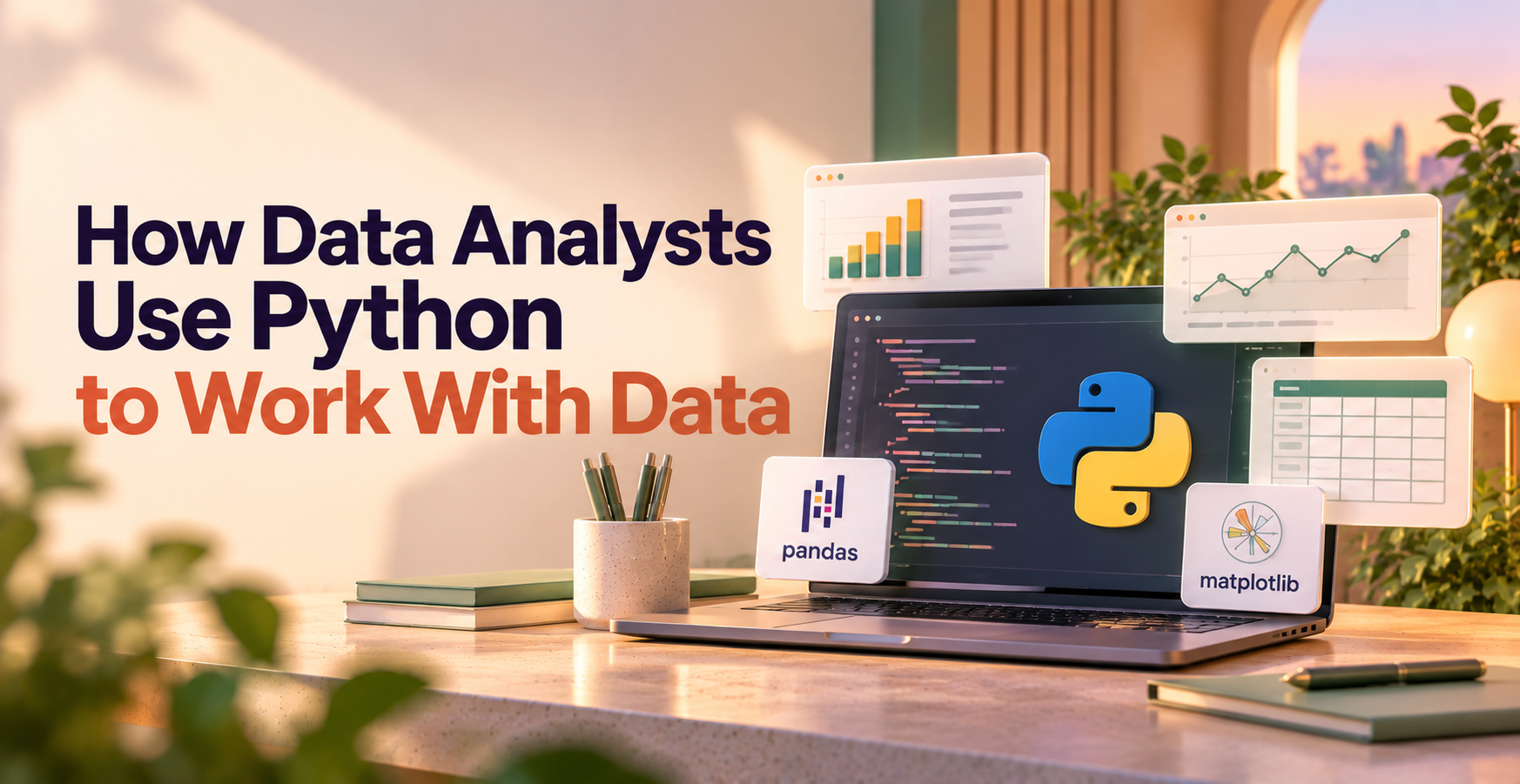
The pandas data analysis library organizes tabular data into DataFrames. You can filter rows, sort values, join tables, group records, and calculate summaries.
For regional sales, group orders by region and add their sales amounts. NumPy supports numerical arrays and calculations, including operations that apply across many values. You don’t need to use NumPy directly in every pandas project.
Use Matplotlib and Seaborn to show what the data says
Matplotlib gives you control over charts. Seaborn offers convenient tools for statistical graphics, including distributions and comparisons between groups.
Match the chart to the question. Use a line chart for monthly trends and bars for category comparisons. Label axes, show units, and choose scales honestly. A dramatic-looking chart shouldn’t exaggerate a modest change.
Use notebooks and SQL tools to keep analysis practical
Jupyter notebooks combine code, notes, charts, and results. They’re useful when you want someone to follow both your calculations and your reasoning.
Python also connects to databases through drivers and tools such as SQLAlchemy. SQL can filter records or calculate summaries before Python loads them. You don’t need to pull an entire database into a notebook.
A Practical Python Data Analysis Workflow
Suppose your question is: Which products contributed most to monthly sales growth?
- Load the sales records and inspect their structure.
- Clean fields and calculate comparable monthly totals.
- Validate the results, chart changes, and explain the finding.
Load and inspect the data before changing it
Check row counts, column names, data types, sample rows, and basic summaries. Identify whether each row represents an order, an order item, or something else.
Look at the earliest and latest dates. Does the latest month contain a full month’s sales? Check minimum and maximum quantities, too. Negative quantities may represent returns rather than errors.
Clean, transform, and validate the results
Convert dates, standardize product labels, and decide how to handle missing amounts. Create a month field, then group sales by month and product.
Compare totals with the source report. After joining a product table, check whether row counts changed unexpectedly. Record assumptions about returns, canceled orders, and missing records. Don’t silently treat missing revenue as zero.
Visualize findings and make the work repeatable
Plot monthly totals, then compare product contributions in a bar chart. Write down what changed, what may explain it, and any limitations.
Save reusable steps in a notebook or script. Use clear file names and version control to track changes. Before sharing, rerun the analysis in order so old notebook results don’t contradict your current code.
When Python Works Best Alongside SQL, Spreadsheets, and BI Tools
These tools handle different parts of an analyst’s work.
| Tool | A good fit |
| SQL | Querying, filtering, and summarizing database records |
| Spreadsheets | Quick calculations and small, interactive checks |
| Python | Repeated cleaning, analysis, and custom calculations |
| Tableau or Power BI | Sharing interactive dashboards and recurring metrics |
The useful combination depends on your question, data size, and how your team works.
Choose a tool based on the question and the data
A one-time percentage calculation may take seconds in Excel. A database query belongs close to the data, where SQL can select relevant records.
Python becomes useful when you repeat several cleaning and analysis steps. Tableau or Power BI can then share the results through dashboards.
Here’s the thing: you don’t get extra credit for using every tool. Choose the smallest workflow that answers the question reliably and leaves your teammates able to use the result.
Know Python’s limits and protect data quality
Python won’t repair incorrect source records or replace statistical judgment. Correlation doesn’t establish causation, and a large dataset can still exclude important groups.
Memory limits may require database-side processing or other tools. Restricted access and privacy rules can also change what you can load or share.
Keep credentials out of notebooks, limit sensitive exports, and explain dependencies during handoffs. A workflow needs to work for the next person, too.
A Simple Glossary of Python and Data Analysis Terms
Python: A programming language used to write instructions for analysis, automation, and other tasks.
Library: A collection of reusable code that adds tools for particular tasks.
pandas: A Python library for working with tables and preparing data for analysis.
DataFrame: A pandas table with labeled rows and columns.
NumPy: A Python library for numerical arrays and mathematical operations.
SQL: A language for querying and managing data in relational databases.
API: An interface that lets software request data or services from another system.
Data cleaning: Finding and addressing missing, inconsistent, duplicate, or incorrectly formatted data.
Exploratory data analysis: Examining summaries and charts to understand patterns, relationships, and possible problems before drawing conclusions.
Visualization: A chart or other visual representation that helps people understand data.
Frequently Asked Questions
Do data analysts need to know Python?
Python is useful, but every analyst role doesn’t require it. Some jobs focus on SQL queries, Excel reporting, or BI dashboards. Learn Python when your work calls for repeatable cleaning, custom calculations, or analysis that’s becoming difficult to maintain manually.
Is Python difficult for a beginner data analyst to learn?
Beginners can learn the analysis-focused parts step by step. Start with variables, lists, functions, and simple tables, then practice filtering and grouping with the pandas Python package. Use a small dataset and one clear question instead of trying to learn every feature.
Should I learn Python or SQL first for data analysis?
SQL is a strong first choice when your data lives in databases. It helps you retrieve, join, and summarize records. Start with Python if your immediate work centers on files or repeated transformations. Build both skills over time rather than treating them as competing choices.
How do data analysts use Python at work?
Data analysts use Python to prepare reports, check data quality, study customer behavior, and automate repeated analysis. The mix depends on the role. A marketing analyst might compare campaign results, while an operations analyst might investigate delays or changes in order volume.
Can Python replace Excel for data analysis?
Python can replace some Excel workflows, especially those involving repeated imports, transformations, and calculations. Excel remains useful for quick exploration and collaboration with spreadsheet-focused teams. You can also combine them: prepare data in Python and export a clear table for colleagues.