

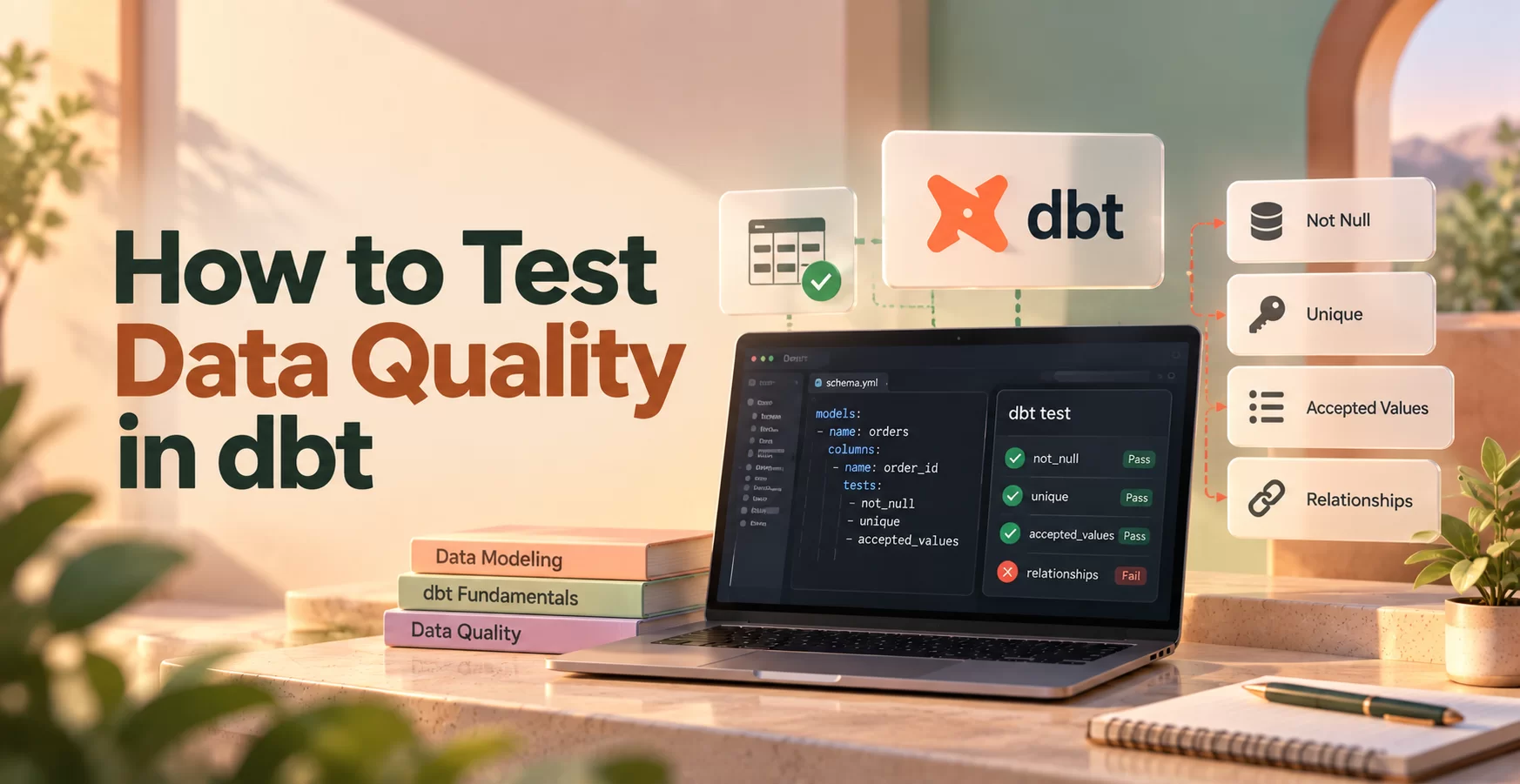
How to Test Data Quality in dbt
Test data quality in dbt by adding checks to models and sources, running them with dbt test, and fixing failures before unreliable data reaches users. Start with critical keys and business rules, then run those checks during development and automated builds.
The practical answer to “How to Test Data Quality in dbt” begins with deciding which failures would hurt your users.
Key Points
- Built-in tests catch missing keys, duplicates, invalid values, and broken relationships.
- Custom SQL tests enforce business rules.
- Failed tests need investigation before you change their thresholds.
- Automated checks protect reports as data and requirements change.
Quick summary: Define important rules, encode them as tests, and investigate failures where they originate.
Key takeaway: Prioritize business impact, rather than the number of tests.
Quick promise: You’ll have a practical sequence for testing an orders model and adding checks to CI.
How to Test Data Quality in dbt: Start With the Risks That Matter
A useful test catches a failure that matters to someone. Before writing YAML, identify the reports and decisions that depend on each model.
Map important models, columns, and business rules
Start with a model behind a revenue report, billing process, or customer dashboard. Record its grain: what one row means.
For an orders model, that might be one row per order. Then order_id should identify each row, customer_id should connect to customers, and order_total should follow your accounting rules.
Also check expected ranges and timing rules. Can totals be negative? Can an order exist before a customer record arrives? Answers depend on how the business operates.
Separate data quality from transformation correctness. A uniqueness test checks the resulting dataset. A unit test checks whether model SQL produces expected results for controlled inputs.
Choose checks that catch real problems
Use these dimensions to describe the risk before choosing a test.
| Dimension | Practical question |
| Accuracy | Does the total match the authoritative transaction record? |
| Completeness | Are required customer IDs present? |
| Uniqueness | Does each order ID appear once? |
| Validity | Is each status an allowed value? |
| Consistency | Do order customer IDs match customer records? |
Start with rules that protect high-impact outputs. Duplicate order IDs can inflate revenue after a join, so uniqueness deserves attention before an optional description field.
However, an allowed-value test can’t prove accuracy. A plausible amount may still be wrong. Accuracy checks often require reconciliation against an authoritative system or approved calculation.
Give each important rule an owner who can explain exceptions.
Add Built-In and Custom Data Tests to dbt Models
dbt data tests are queries that identify violations. Generic tests accept parameters, while singular tests contain one specific SQL query.
Use built-in tests for nulls, duplicates, allowed values, and links
Declare generic tests in a YAML properties file, commonly models/schema.yml. This example uses the arguments syntax supported in dbt Core 1.10.5 and later.
version: 2
models:
– name: orders
columns:
– name: order_id
data_tests: [not_null, unique]
– name: order_total
data_tests: [not_null]
– name: customer_id
data_tests:
– not_null
– relationships:
arguments:
to: ref(‘customers’)
field: customer_id
– name: status
data_tests:
– accepted_values:
arguments:
values: [‘pending’, ‘paid’, ‘shipped’, ‘canceled’]
not_null rejects missing values. unique rejects duplicates, while accepted_values limits a column to specified values.
relationships checks that non-null customer IDs appear in the referenced model. It doesn’t prove that the referenced key is unique. Test customers.customer_id separately if that model requires one row per customer.
A relationship test permits null foreign keys. Pair it with not_null when every order must have a customer.
Write a custom test for a business rule
If orders contains purchases and records refunds elsewhere, negative totals may violate its contract. Save this singular test as tests/orders_nonnegative_total.sql:
select
order_id,
order_total
from {{ ref(‘orders’) }}
where order_total < 0
The query returns failing rows. Under default failure thresholds, zero returned rows means the test passes.
Null totals won’t satisfy < 0, which is why the YAML also checks completeness.
Singular tests suit model-specific rules. For rules shared across many models, write a reusable generic test in a test block, typically under tests/generic/.
Run dbt Tests and Trace Failures to Their Source
Run tests against the warehouse tables or views that your models create. dbt test evaluates existing data; it doesn’t rebuild models first.
Run tests during development and in CI
Build changed models before evaluating their data. For an orders-focused development cycle, use:
dbt run –select orders
dbt test –select orders
To select a model and its upstream dependencies, use dbt test –select +orders. The leading + expands selection upstream, but the test command still doesn’t build those dependencies.
For a combined workflow, dbt build –select +orders runs selected resources and tests in dependency order. Indirect selection can also include tests involving related models, so inspect selection when scope matters.
In continuous integration, build into an isolated schema and run critical checks before merging. Configure the CI runner to fail when dbt exits unsuccessfully. This works with CI systems such as GitHub Actions without requiring one particular dbt platform.
Read failure output and choose the right response
Start with the failed test name and reported failure count. Inspect the compiled SQL, then query the offending records.
For duplicate order IDs, check whether duplicates already exist upstream or whether a join multiplies rows. For missing customer matches, compare load timing before assuming the relationship rule is wrong.
Fix source data when ingestion introduced the problem. Change model SQL when transformations caused it. Update the test only when an approved business rule changed.
Severity defaults to error; warn reports warnings instead. Warnings can still fail automation if your runner promotes them to errors.
For debugging, dbt test –select orders –store-failures can persist failing rows. Your warehouse permissions and project configuration must support those audit relations.
Build a Data Quality Routine That Stays Useful as Data Changes
A passing test suite only confirms the rules you’ve encoded. Review coverage as new sources, reports, and business processes enter the project.
Keep row checks, freshness, and unit tests separate
Test source columns when you need to detect problems before transformations obscure them. Then test models where joins, filters, and calculations can introduce new failures.
Configure source freshness thresholds and run dbt source freshness to check whether configured sources arrived recently enough. Freshness checks measure recency, not row correctness. A newly loaded table can still contain duplicate keys or invalid statuses.
Meanwhile, unit tests validate model logic against controlled inputs and expected outputs. They’re useful for conditional calculations, join behavior, and edge cases that production data may rarely contain.
Use all three where appropriate. Each answers a different question about pipeline reliability.
Keep checks reliable without slowing every workflow
Prioritize critical checks in development and CI. Schedule broader or expensive reconciliations according to their cost and business importance.
Avoid brittle assumptions. A status list needs review when the application introduces a legitimate state. Likewise, a fixed row-count expectation can fail during normal seasonal changes.
Track recurring failures by model and rule. Repeated missing customer matches may reveal ingestion timing problems rather than isolated bad records.
Also assign an owner and response expectation to important checks. A warning that nobody reviews provides little protection.
Measure test runtime before adding expensive scans everywhere. Warehouse query history can identify checks that need narrower scope or a different schedule.
Use a Simple Checklist to Improve Test Coverage
Improve coverage one critical model at a time. Finish the investigation and automation loop before expanding to every table.
- Choose a model that supports an important report or operational process.
- Define its grain, required keys, allowed values, and business rules.
- Add built-in tests for completeness, uniqueness, validity, and relationships.
- Write custom SQL for rules the built-in tests don’t express.
- Build the model, run its tests, and inspect returned failures.
- Fix the underlying issue and rerun affected checks.
- Add critical checks to CI and assign ownership for recurring failures.
Keep the checklist close to model development. When a pull request changes a join or calculation, reviewers should ask whether existing tests still cover the resulting dataset.
For each new test, record what failure means and who should respond. That explanation helps a teammate distinguish a broken pipeline from an approved business change.
Coverage improves when checks have clear purposes. Counting tests alone won’t tell you whether the revenue report is trustworthy.
dbt Data Quality Glossary
Data test: A query that checks data against a rule and returns records that violate it.
Generic test: A reusable, parameterized test, such as unique, applied to different columns or models.
Singular test: A standalone SQL file containing one specific data-quality check.
Model: A project resource that defines a dataset, commonly through a SQL query.
Source: A declared upstream dataset that dbt models read, such as a raw application table.
Grain: The meaning of one row in a dataset, such as one row per order.
Source freshness: A check of source recency against configured warning or error thresholds.
Severity: A test setting that determines whether qualifying failures produce errors or warnings.
CI: Continuous integration, an automated workflow that evaluates proposed changes before they merge.
Failing row: A record returned by a data-test query because it violates the tested condition.
Unit test: A check that compares model output against expected results using controlled input data.
Make Reliable Data a Repeatable Practice
Prioritize important business rules, encode them as dbt tests, and run checks consistently. When a test fails, trace the issue to its source before changing the rule.
The strongest protection comes from clear ownership and useful checks that stay aligned with the business. To build practical data engineering skills, continue practicing through Data Engineer Academy’s projects and training.