

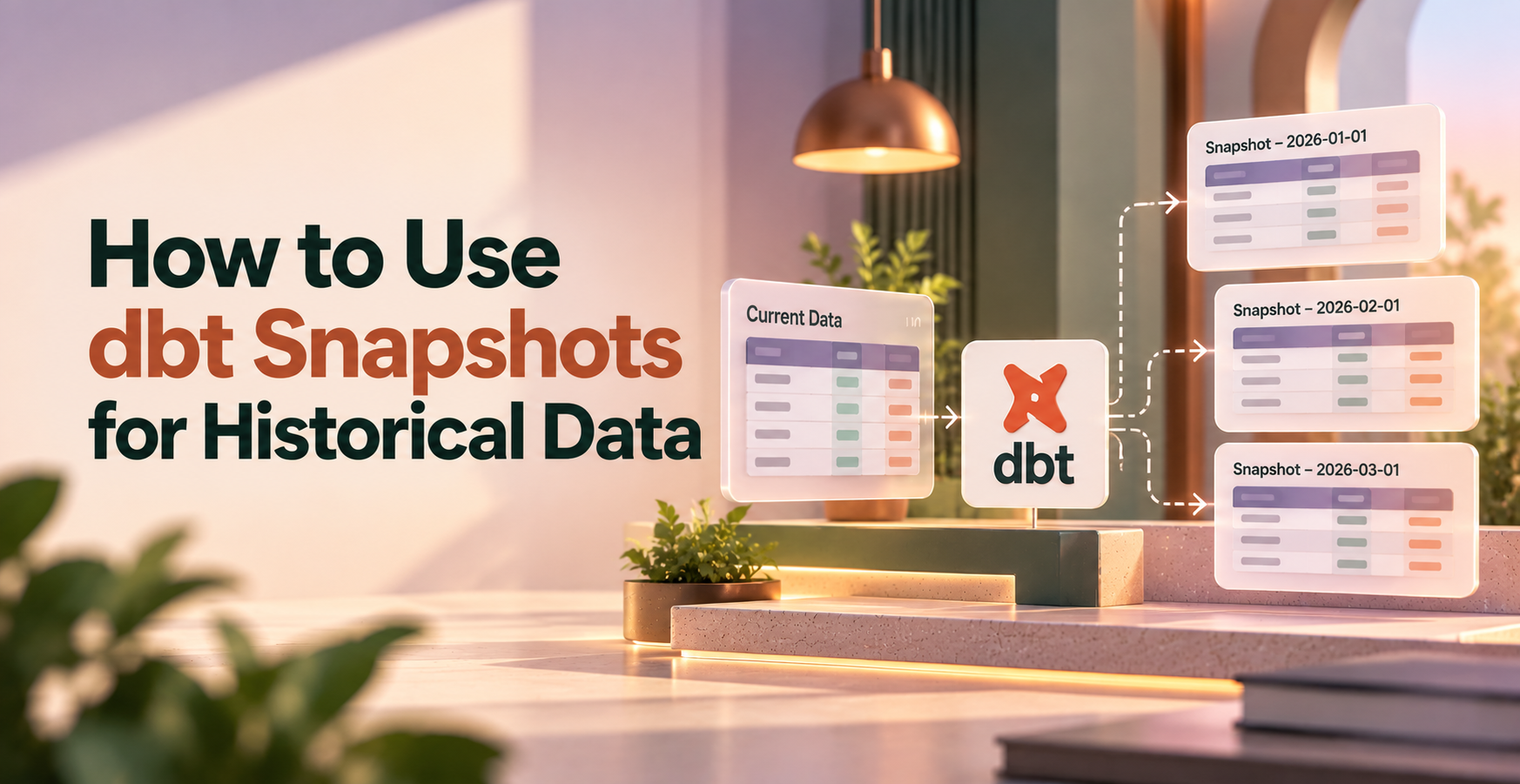
How to Use dbt Snapshots for Historical Data
dbt snapshots preserve historical data by comparing source rows with their previously stored versions and recording detected changes. Each version gets validity dates, so you can query what a record looked like in the past.
Unlike a source table that overwrites customer details, a snapshot keeps earlier versions alongside the current one. To use snapshots well, start with a stable record key and a reliable way to identify changes.
Key Takeaways
- dbt snapshots preserve versions of changing source records instead of replacing earlier values with the latest state.
- Choose the timestamp strategy when a dependable updated_at column advances with every relevant row change.
- Use validity dates to retrieve the customer or account version applicable at a particular reporting time.
- Schedule snapshots around your reporting needs because changes between runs can disappear before dbt observes them.
- Treat snapshot tables as persistent historical assets, with tests, access controls, and deliberate deletion settings.
Quick summary: Use snapshots when source records overwrite useful history. They preserve observed versions so reporting can use earlier attributes instead of applying today’s values to yesterday’s activity.
Key takeaway: Snapshot history starts with what dbt can observe. A clean run can’t recover an intermediate state that the source overwrote before execution.
Quick promise: You’ll create one customer snapshot, run it against a declared source, and inspect the historical versions it stores in your warehouse.
How to Use dbt Snapshots for Historical Data
What happens when a source row changes?
Suppose your customers table stores each customer’s current subscription status. When that status changes, the source may overwrite the previous value.
A snapshot preserves the earlier version. On its first run, dbt records existing rows. Later runs compare source rows against current snapshot versions using the configured key and strategy.
When dbt detects a change, it closes the previous version’s validity interval and inserts a new version. Unchanged rows don’t need another version.
When snapshots are the right fit
Snapshots work well for mutable records such as customer profiles, account ownership, subscription status, and billing addresses.
Need every transaction or every intermediate update? An append-only event log or source audit table is a better foundation. Snapshots can’t reconstruct changes that disappeared before a run observed them.
Choose the Right Snapshot Strategy for Your Source Data
dbt supports two main change-detection strategies. The right choice depends on how your source records updates.
| Strategy | How it detects changes | Main requirement | Tradeoff |
| timestamp | Detects a newer update timestamp for an existing key. | A reliable updated_at column. | Misses updates when the timestamp doesn’t advance. |
| check | Compares configured columns against stored values. | A deliberate check_cols selection. | Adds column comparisons and maintenance. |
Start with timestamp when the application updates its timestamp whenever a relevant value changes. A column named updated_at isn’t enough. Its behavior has to match that promise.
Without a dependable timestamp, use check and select the columns whose history matters. For customer reporting, that might mean status, plan, and account_owner_id.
Choosing every column can capture noisy changes, such as ingestion metadata updates. Choosing too few can miss meaningful changes.
Here’s the decision rule: trustworthy update timestamp, use timestamp; otherwise, compare selected columns with check. Source behavior matters more than convenience. dbt recommends the timestamp strategy because it also handles column additions and removals more easily.
Create and Run a dbt Snapshot Step by Step
- Confirm that customer_id identifies exactly one source row and stays stable. Confirm that updated_at advances when tracked values change. The unique_key configuration doesn’t enforce source uniqueness.
- Declare your customers table as a dbt source. This example assumes its source name is app and its table name is customers.
- Create snapshots/customers_snapshot.sql with this SQL-based snapshot definition:
{% snapshot customers_snapshot %}
{{
config(
target_schema=’snapshots’,
unique_key=’customer_id’,
strategy=’timestamp’,
updated_at=’updated_at’
)
}}
select * from {{ source(‘app’, ‘customers’) }}
{% endsnapshot %}
- Run dbt snapshot –select customers_snapshot. dbt creates the snapshot relation on the first run and processes detected changes on later runs.
- Inspect the output, including customer_id, source attributes, dbt_valid_from, and dbt_valid_to. After a controlled source update and another run, the changed customer should have another version.
For the check strategy, replace strategy=’timestamp’ with strategy=’check’ and replace updated_at with a configuration such as check_cols=[‘status’, ‘plan’]. Keep the same stable key.
This example uses SQL-based configuration. dbt’s snapshot documentation covers that format, YAML snapshot definitions, and version-specific options.
Run against the mutable source table whenever possible. Snapshotting a complex transformation can turn changes in transformation logic into apparent changes in business records.
Query Snapshot History to Rebuild Past Records
Read the validity interval
dbt_valid_from marks the start of a version’s validity. dbt_valid_to marks its end. With default settings, a null dbt_valid_to identifies the current version.
With the timestamp strategy, validity dates use source update timestamps for recorded changes. They aren’t simply the times your snapshot job ran.
Treat each interval as inclusive at the start and exclusive at the end. That prevents two adjacent versions from matching the same boundary timestamp.
Select the version valid at a reporting time
This query retrieves customers’ versions valid at midnight on October 1, 2026:
select customer_id, status, dbt_valid_from, dbt_valid_to
from {{ ref(‘customers_snapshot’) }}
where dbt_valid_from <= timestamp ‘2026-10-01 00:00:00’
and (
dbt_valid_to > timestamp ‘2026-10-01 00:00:00’
or dbt_valid_to is null
)
Use the same interval logic to associate transactions with customer attributes valid when those transactions occurred.
Keep the snapshot as your history table. Build downstream dbt models for report-friendly names, historical joins, and metrics. A snapshot preserves versions; your reporting models decide how stakeholders consume them.
Keep Snapshot History Accurate and Manageable
Snapshot accuracy depends on the source and the schedule. A successful job can still produce misleading history.
Run snapshots after the source refresh completes. Choose a frequency that matches the shortest change interval your reporting needs to capture.
If a customer’s status changes twice between daily runs, dbt may observe only the final status. Increasing frequency reduces that exposure, but it doesn’t create a complete audit trail.
Use this troubleshooting checklist:
- Test the source key for uniqueness and nulls before snapshot execution.
- Investigate missing or unchanged updated_at values when expected versions don’t appear.
- Review scheduling failures when historical intervals show unexpected gaps.
- Investigate multiple current versions for a key before downstream joins multiply report rows.
Deleted rows need deliberate handling. By default, disappearance from the source doesn’t invalidate a snapshot row.
In dbt v1.9 and later, supported adapters offer hard_deletes settings, including ignore, invalidate, and new_record. Older configurations use invalidate_hard_deletes to close missing records. Available behavior depends on the dbt version and adapter.
Also protect snapshot tables against accidental drops. Recreating a snapshot starts a new history collection; it doesn’t restore overwritten source states.
dbt Snapshot Terms to Know
Snapshot: A dbt resource that stores historical versions of mutable source records across runs.
Unique key: The column or expression identifying the same logical record over time. Source values must be unique and non-null.
Timestamp strategy: A change-detection strategy that uses an update timestamp to identify newer versions of existing records.
Check strategy: A strategy that compares configured source columns with the current stored version to detect changes.
Slowly changing dimension (SCD): A data-modeling approach for attributes that change over time. dbt snapshots implement Type 2 history with separate record versions.
dbt_valid_from: The timestamp marking when a stored version becomes valid under the snapshot’s strategy.
dbt_valid_to: The timestamp marking when a version stops being valid. Its default null value identifies an open-ended version.
Point-in-time query: A query that selects records whose validity intervals include a chosen timestamp.
Hard delete: Removal of a row from the source table, rather than an update that marks it inactive or deleted.
Frequently Asked Questions
Do dbt snapshots store every change to a source table?
No. dbt snapshots store changes they detect when they run. If several updates happen between executions, intermediate versions can disappear before dbt sees them. More frequent runs improve coverage, but complete change capture requires a source event history, audit log, or change data capture system.
What is the difference between a dbt snapshot and a model?
A snapshot preserves record versions across executions. A model defines a SQL transformation whose materialization controls how dbt builds or updates its output. Models can use snapshots as inputs, such as when building historical customer dimensions or assigning orders to the account owner valid at purchase time.
Can dbt snapshots track deleted rows?
Yes, when deletion handling is configured and supported by your dbt version and adapter. Invalidation closes the missing row’s current validity interval. Newer hard_deletes configurations can also create an explicit deletion record. Without deletion handling, a removed source row can remain marked current in the snapshot.
Where should I store dbt snapshots?
Store snapshots in a persistent warehouse schema configured for your dbt project, preferably separate from raw source tables. Give the execution role permission to maintain them and limit destructive access. Set retention around historical reporting needs, and avoid storing production history in disposable development schemas.
Put Your Snapshot History to Work
Choose a reliable key and change-detection strategy, create the snapshot, and query its validity intervals. Preserved history lets you report on earlier customer attributes without substituting today’s values.
Start with one small source table and a controlled update. Follow the record through two runs, then query its earlier version. For guided practice, explore our data engineering courses and end-to-end projects.