

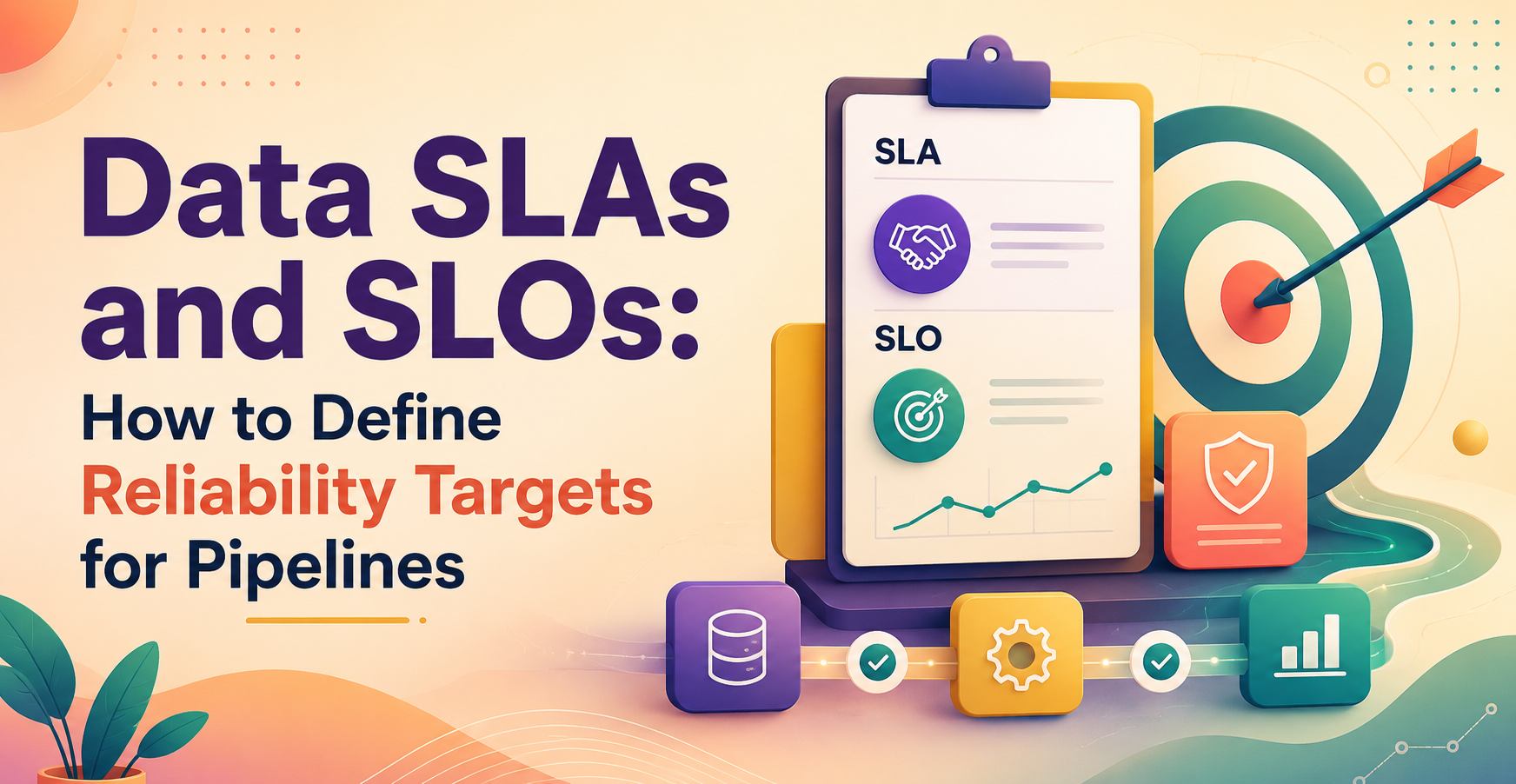
Data SLAs and SLOs: How to Define Reliability Targets for Pipelines
Data SLAs and SLOs set clear reliability targets for your pipelines. An SLA is the promise users can count on, while an SLO is the internal target your team tracks to keep that promise.
When a dashboard is late or a table is missing rows, vague complaints do not help. A good data SLAs and SLOs setup turns “the data broke” into measurable rules for freshness, completeness, availability, and data downtime.
The next step is picking metrics and thresholds that match how people use the data.
Key Points
- A data SLA defines the expectation that users or partner teams can rely on.
- A data SLO sets the internal target that helps the data team keep that promise.
- Freshness, completeness, accuracy, availability, and data downtime are the most useful reliability signals.
- Strong targets start with business impact and real pipeline history, not guesswork.
- Plain language, ownership, and regular review keep reliability targets useful.
Quick summary: A data SLA is the outward promise. A data SLO is the operating target behind it. Together, they turn pipeline reliability into something teams can measure, monitor, and improve.
Key takeaway: Start with one critical pipeline and one metric users care about, such as 8 a.m. freshness or missing-row rate. Narrow, clear targets beat vague promises every time.
Quick promise: You can leave with a simple playbook for setting targets that fit the business, match real system behavior, and give teams a clear rule for action.
What data SLAs and SLOs?
A data SLA is the promise attached to a data product. A data SLO is the internal reliability target that helps the team hit that promise. They work together, but they are not the same thing.
If finance needs a daily revenue table by 8 a.m., the SLA might say that the table will be available, complete, and approved for use by then. The SLO might say the team will hit that target on 29 out of 30 business days.
How an SLA differs from an SLO in a data team
The SLA is user-facing. It tells analysts, executives, or partner teams what level of service they should expect. It also defines what happens when the promise is missed, whether that means escalation, status updates, or a review.
The SLO is internal. It gives engineers and analytics teams a target they can manage week to week. That target should support the SLA, not replace it.
A simple comparison makes the split easier to see:
| Part | SLA | SLO |
| Main purpose | Promise to data users | Internal reliability target |
| Typical audience | Business teams, analysts, leaders | Data engineering, analytics, platform teams |
| Example | “Sales data is ready by 8 a.m.” | “Meet 8 a.m. freshness on 97% of business days” |
Why pipelines need reliability targets at all
Without targets, every data issue turns into an argument. One team says the pipeline “worked.” Another says the numbers are unsafe. Nobody has a shared rule for what good looks like.
Reliability targets cut through that confusion. They help teams rank incidents, set alerting, and build trust with downstream users. For everyday reporting, that trust matters more than raw job counts.
The pipeline signals that should become reliability targets
Not every signal deserves an SLA or SLO. The best targets track problems that hurt real decisions.
Freshness and latency for time-sensitive data
Freshness answers one question: how old is the latest usable data? Latency answers a different one: how long did it take data to move from source to destination?
For a morning executive dashboard, a pipeline freshness SLA is often the right choice. “Ready by 8 a.m.” is clearer than “99.9% uptime,” because users care about a deadline, not server health.
For streaming or event-driven systems, latency may matter more. A fraud alert that lands 20 minutes late can be useless even if the table updates every hour.
Completeness and accuracy for trust in the numbers
A pipeline can land on time and still fail the business. Missing rows, duplicate records, bad joins, and wrong filters all damage trust fast.
Completeness tracks whether the full expected dataset arrived. Accuracy tracks whether values, joins, and rules produced the right result. These targets protect downstream decisions, especially in finance, billing, and customer reporting.
Availability and data downtime for critical pipelines
Availability should measure whether the data is usable, not whether the orchestrator marked a task as green. Data downtime is the time data is missing, broken, stale, or unsafe to use.
That difference matters. A job can finish “successfully” and still load yesterday’s partition, drop a column, or publish null-heavy data. In that case, compute was available, but the data product was not.
How to choose the right SLA and SLO numbers
Good targets come from business need, user expectation, and normal pipeline behavior. Bad targets come from copying software uptime goals into a data problem.
Start with business impact, not vanity metrics
Map each pipeline to a decision. Finance reporting, customer-facing dashboards, inventory ops, and fraud alerts do not carry the same risk. Therefore, they should not share the same reliability target.
A board report might tolerate a noon refresh. A payment reconciliation table may need early-morning delivery and tighter completeness rules. Most pipelines do not need premium reliability.
Use past failures and normal behavior to set a baseline
Check historical run times, incident logs, backfill patterns, and source delays. If a table normally lands between 7:20 and 7:40 a.m., an 8 a.m. target may be realistic. A 7:00 a.m. target probably is not.
Use a goal the team can hit with discipline, then improve over time. Perfect reliability is not a planning model.
Set error budgets so teams know when to act
An error budget is the amount of unreliability you accept in a period. If your SLO is 99% freshness over a month, the budget is the 1% miss rate.
That budget helps teams balance speed and stability. If misses pile up early, the team may pause risky changes and focus on fixes.
A simple process for defining data SLAs and SLOs
You do not need a long policy doc to start. You need a short playbook that teams can repeat.
Identify the users and decisions that depend on the data
Name the users first. They may be analysts building dashboards, executives reading KPIs, operations teams reacting to events, or machine learning systems scoring transactions.
Then tie the target to the decision. A reliability target only makes sense when you know what breaks if the data is late, incomplete, or wrong.
Define the measurement window and reporting rule
Pick the time window, then write the counting rule. Measure daily, weekly, or monthly, depending on how the data gets used.
Be clear about missed runs, partial loads, late arrivals, and manual backfills. If those rules stay fuzzy, the target will create more debate than clarity.
Document the target in plain language everyone can read
A good target statement says what you measure, the threshold, and the time period. It should fit cleanly into team docs or a service agreement.
The daily sales table will be complete and ready by 8 a.m. Eastern on 97% of business days each month.
That sentence is short, specific, and easy to monitor.
Common mistakes that make data reliability targets useless
Teams usually fail here because they measure the wrong thing or nobody owns the result.
Why job success is not the same as data trust
A green job status is not proof of good data. The run may have loaded stale files, applied the wrong transform, or published only half the rows.
Track data outcomes, not only system events. If users care about valid and timely tables, your SLO should measure that.
How to avoid targets that nobody reviews
Every target needs an owner, alerting, and a review rhythm. Otherwise, the SLA becomes shelfware and the SLO becomes a forgotten dashboard.
Review misses, adjust targets when the business changes, and retire targets that no longer matter. Reliability only improves when teams act on the numbers.
One-minute summary
- Pick targets based on business risk, not platform status alone.
- Use freshness for deadline-driven reporting and latency for event speed.
- Add completeness and accuracy when wrong numbers hurt decisions.
- Measure usable availability, not only successful job runs.
- Write each target in plain language with a threshold and time window.
Glossary
- SLA: The promise made to data users about service quality.
- SLO: The internal target used to keep the SLA on track.
- Freshness: How recently the latest correct data arrived.
- Latency: How long data took to move after an event or schedule.
- Completeness: Whether all expected records or fields are present.
- Accuracy: Whether the data values and logic are correct.
- Availability: Whether the data product is usable when needed.
- Data downtime: The period when data is missing, stale, broken, or unsafe.
Conclusion
Data SLAs and SLOs help teams define what “good” looks like for a pipeline. That clarity reduces arguments, speeds up response, and builds trust in the numbers people use every day.
Start with one critical pipeline and one target, usually freshness or completeness. Then review it, monitor it, and tighten it only when the business truly needs more. If you want practice applying these ideas to real workflows, Data Engineer Academy’s DE Projects Course is a practical next step.
FAQ
What is the difference between a data SLA and an SLO?
A data SLA is the promise to users. A data SLO is the internal target the team tracks to keep that promise. The SLA is about expectations and accountability, while the SLO is about daily operations and reliability management.
What is a good pipeline freshness SLA?
A good pipeline freshness SLA matches when people need the data, not when the system feels ready. For example, a table used in a 9 a.m. finance review may need an 8 a.m. delivery target, while a weekly planning table may allow a wider window.
Should every data pipeline have an SLA?
No. Every important pipeline should have a clear owner and reliability target, but not every pipeline needs a formal SLA. Start with pipelines tied to business reports, customer-facing metrics, billing, operations, or automated decisions.
What counts as data downtime?
Data downtime is any period when data is unavailable or unsafe to use. That includes missing tables, stale partitions, bad joins, broken schemas, null-heavy outputs, and failed quality checks, even when the pipeline job itself finished without an error.
Who should own data reliability targets?
Ownership usually sits with the team that builds and runs the pipeline, often data engineering or analytics engineering. Still, the target should be agreed with the people who use the data, because they define what “usable” means in practice.