How to Organize a dbt Project for Team Collaboration
To organize a dbt project for team collaboration, define clear model layers, assign owners, and review and test every change. In a SQL-based project, dbt models are SQL files that build warehouse tables or views.
Git, model dependencies, tests, and documentation help your team change shared datasets safely. The starting point is a small set of shared standards that everyone understands and can apply.
Key Takeaways
- Organize models into purposeful layers so teammates can follow how warehouse data becomes reporting datasets.
- Agree on naming, SQL style, ownership, and production approval rules before the project grows.
- Use Git branches and focused pull requests to review changes and their downstream effects.
- Test important data assumptions, document business definitions, and automate checks before deployment.
- Keep credentials separate from shared project code, then monitor data quality and performance after release.
Quick promise: A focused review and test gate helps your team catch known failures before changes reach shared reporting tables.
Key takeaway: Ownership should identify who resolves a disputed definition or failed dataset while leaving contributions open to the whole team.
Quick summary: Clear model layers, named owners, and small pull requests give teammates a shared way to change SQL without losing track of business definitions.
How to Organize a dbt Project for Team Collaboration
A collaborative dbt project needs clear boundaries between transformations, predictable conventions, and a shared release process. There’s no single folder layout that fits every team. Start with standards that solve your team’s actual coordination problems.
Agree on how the team will build and maintain models
Write a short team agreement covering model ownership, naming, SQL style, documentation, tests, and production approvals. Decide who reviews changes to shared business logic and who responds when important datasets fail.
Keep these decisions in the repository so newcomers can find them alongside the code.
Document exceptions before they become conventions
Some models need different materializations, schedules, or review requirements. Record the reason and responsible owner rather than copying exceptions across folders.
Revisit standards when repeated friction appears. A useful convention should make the next change easier to understand.
Build a folder structure that makes model flow easy to follow
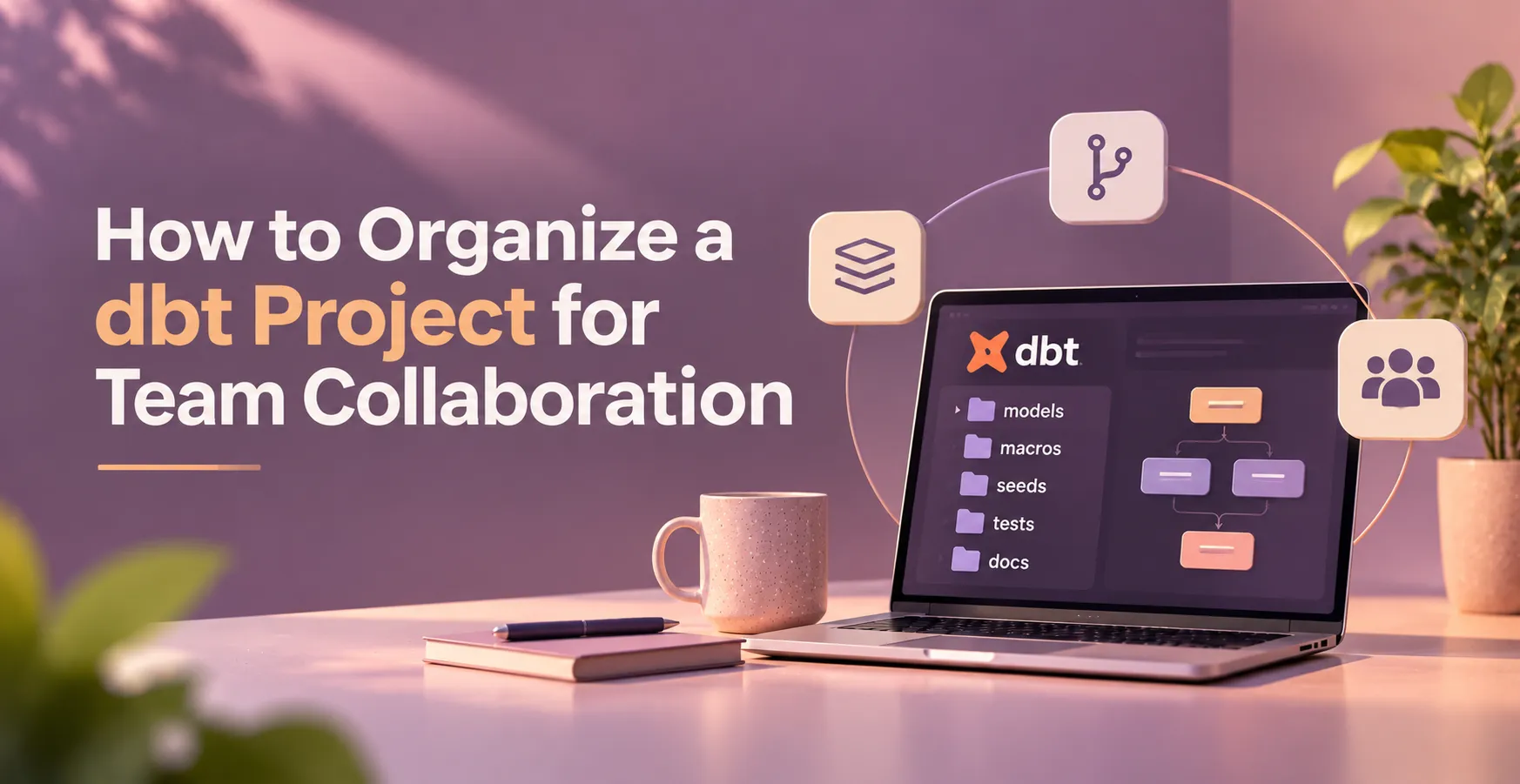
Each SQL model defines a transformation. YAML files can describe sources, models, columns, and tests; project-level YAML controls settings. Dependencies come from references in model code, not folder order.
A small project could begin with this layout:
analytics/
|– dbt_project.yml
|– models/
| |– staging/
| |– intermediate/
| +– marts/
+– tests/
Create additional folders only when their contents have a purpose.
Separate staging, intermediate, and mart models
Staging models clean source fields, standardize types, and rename columns. Intermediate models hold reusable transformations, while marts answer reporting or analytics needs.
This layering is a practical convention, not a dbt requirement. Use ref() to connect models so dbt can build its dependency graph and determine execution order.
Keep sources, seeds, snapshots, and macros easy to find
Keep source declarations near their related staging models. Use seeds/ for small static CSV datasets, snapshots/ for definitions that track selected historical changes, and macros/ for reusable SQL-generating logic.
The dbt project structure guidance shows how supporting resources fit together. Give them descriptive names, and avoid macros that hide straightforward SQL behind unnecessary abstraction.
Set naming, configuration, and ownership rules teammates can follow
Choose consistent file and column naming, such as lowercase snake_case. Model names should communicate purpose; layer prefixes can help distinguish staging transformations from reporting datasets.
Use descriptions and model ownership to make handoffs safer
Describe important models, columns, and sources in plain language. Include the model’s grain, meaning what one row represents, and any exclusions that affect interpretation.
Name the person or role responsible for business definitions and production issues. Ownership should help contributors find answers, not require one person to write every change.
Keep project settings predictable across environments
The dbt_project.yml reference covers project settings, including resource paths and configuration defaults. Set shared defaults there, then add targeted model-level overrides when needed.
For local workflows, profiles.yml stores connection settings. Keep secrets out of Git and use your organization’s approved credential management.
Separate development and production targets. Give developers isolated schemas so one person’s experiments don’t overwrite another person’s models.
Use Git branches and pull requests to collaborate without overwriting work
Git records who changed code and when. Branches let teammates develop independently, although overlapping edits can still create conflicts.
Use this sequence for each change:
- Create a focused branch.
- Update the model, tests, and documentation together.
- Run relevant checks and open a pull request.
- Address review feedback, then merge after approval.
Review model logic, dependencies, and downstream impact
Review the model’s grain, join cardinality, filters, business calculations, naming, and tests. A valid join can still multiply rows and inflate totals.
Use lineage and ref() relationships to inspect downstream models. Also consider dashboards or applications outside the visible graph, especially when removing columns or changing definitions.
Keep pull requests small and useful
Explain what changed, why, which models it affects, and which checks passed. Separate broad formatting changes from business-logic changes so reviewers can follow the difference.
Focused pull requests also simplify troubleshooting through Git history. However, reverting code doesn’t restore warehouse data automatically; affected models may need rebuilding.
Add tests, documentation, and CI checks before changes reach production
A shared quality workflow catches known failures before deployment. It also gives reviewers evidence beyond a successful local run.
Test important assumptions, not just whether a model runs
Successful SQL execution proves that the warehouse accepted the query. It doesn’t prove that revenue, customer counts, or relationships are correct.
Use dbt data tests for assumptions such as unique keys, required values, accepted categories, and valid relationships. Apply tests to important sources as well as transformed models.
Generic tests can live in YAML; singular tests are standalone SQL files. Document what a failure means and who should respond. Passing tests cover the rules you’ve written, not every possible business mistake.
Make CI checks match the team’s release process
CI can run through GitHub Actions, another chosen system, or supported managed dbt workflows. Build and test relevant changes in an isolated environment before merge.
A compact release gate might look like this:
| Check | Expected result |
| Selected build and tests | Relevant models build and required tests pass. |
| Documentation | Descriptions reflect changed behavior. |
| Optional SQLFluff linting | SQL follows the agreed style. |
Deploy only after required checks pass. Afterward, monitor failures, runtime, freshness, and warehouse cost.
dbt handles warehouse transformations; ingestion tools and general-purpose orchestrators such as Airflow still have separate roles.
A practical dbt glossary for shared team language
- Model: A resource that defines a dataset, commonly through a SQL query.
- Source: A declared upstream dataset that dbt transformations read.
- ref(): A function that resolves another model’s relation and creates a dependency.
- DAG: A directed acyclic graph showing dependencies and execution order.
- Materialization: The method dbt uses to build or expose a model, such as a table or view.
- Seed: A small CSV dataset that dbt loads into your data platform.
- Snapshot: A resource that records selected changes in mutable data over time.
- Test: A check of a data rule or expected model behavior.
- Macro: Reusable templated logic that generates SQL or supports project operations.
- Incremental model: A model configured to process selected new or changed records on later runs.
Frequently Asked Questions
Does dbt require a specific project folder structure?
No. dbt provides a project framework, but teams can organize model subfolders around their needs. Configure resource paths when you depart from defaults, and document the layout. An empty intermediate layer adds little value when a small project has no reusable transformations.
How should a team organize dbt models?
Start with staging for source cleanup, intermediate models for reusable transformations, and marts for reporting. Within those layers, use source-system or business-domain boundaries when they help people find code. Keep names and ownership aligned with the data’s purpose rather than copying another team’s repository unchanged.
Where should dbt connection credentials be stored?
Local dbt connection settings belong in profiles.yml, with secret values supplied through approved credential management, such as environment variables backed by a secrets system. Don’t commit secret-bearing profiles to shared source control. Managed execution environments should use their supported connection and credential settings.
Should every dbt model have a test?
Prioritize tests according to the model’s purpose and risk. A shared financial mart needs stronger coverage than a temporary development model. Test key uniqueness, required fields, and relationships where those assumptions matter, then add checks when incidents reveal gaps. Test counts alone don’t measure trustworthiness.
How do Git and CI help a dbt team work together?
Git preserves code history and supports branches and pull requests. CI runs repeatable checks against proposed changes before they merge. Together, they give reviewers both context and execution results, but they don’t replace business review. Someone still needs to assess whether changed definitions match stakeholder expectations.
Make safe changes the default
A dbt project becomes easier to maintain when clear layers and names sit alongside documented ownership. Git reviews and automated checks make those agreements part of everyday work.